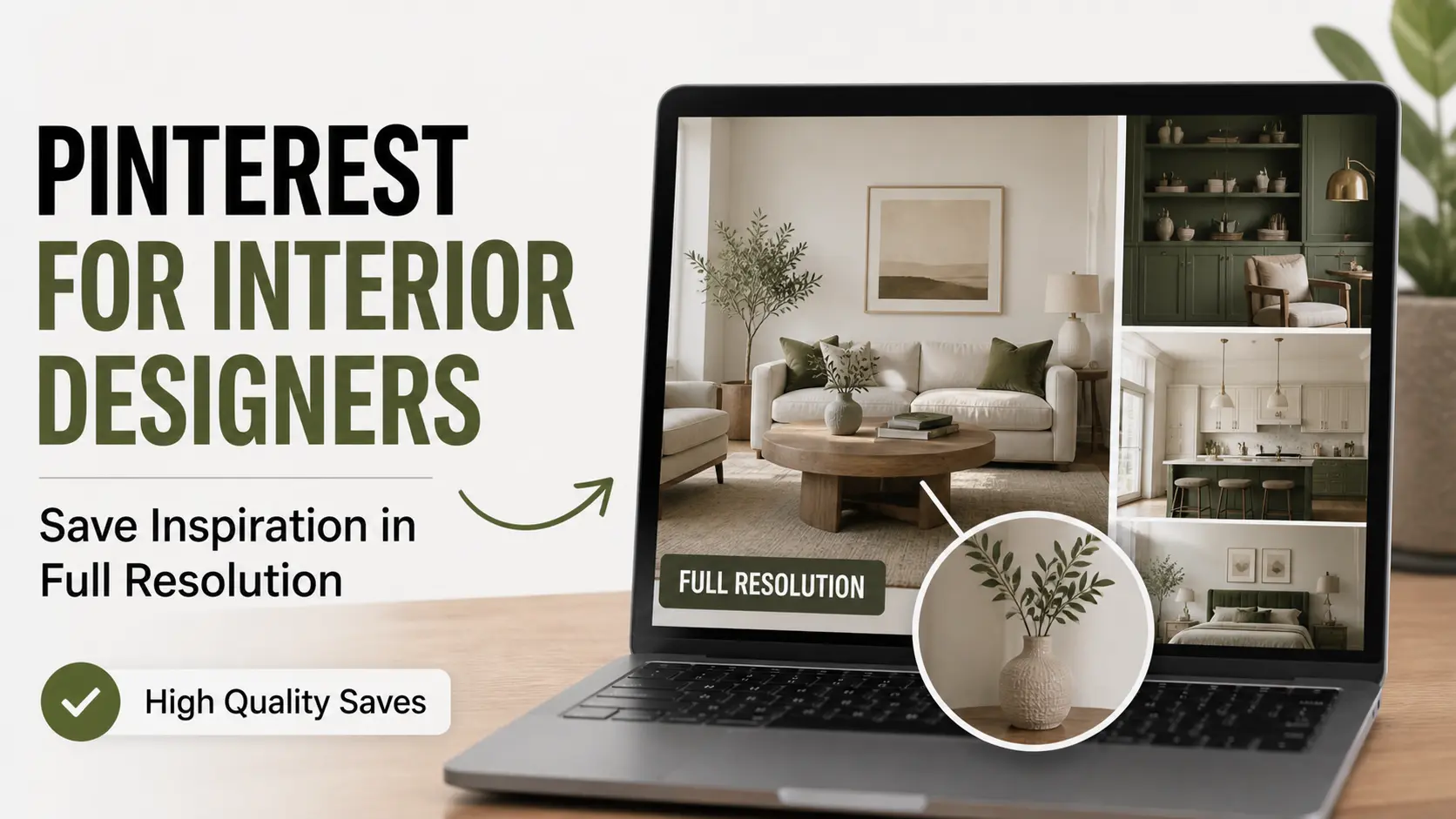
For interior designers, Pinterest is more than a creative scroll — it’s a daily working tool. Client briefs translate into board concepts. Material sourcing starts with reference images. Project mood boards live or die based on how well saved inspiration communicates the vision.
But there’s a frustrating gap between Pinterest as inspiration platform and Pinterest as professional research tool. The platform isn’t designed for the resolution and organization that interior design work requires. Right-click saves give you thumbnails. Boards turn into chaotic collections. Inspirations get lost in the shuffle.
This guide is specifically for working interior designers who want to use Pinterest more effectively — and download inspiration at quality that holds up in client presentations and print mood boards.
How Working Interior Designers Actually Use Pinterest
Most interior designers’ Pinterest workflow looks something like this:
Phase 1 — Discovery. A new client comes with a brief. They want “modern but warm, with a Scandinavian feel, but layered with vintage finds.” You head to Pinterest with a search term and start collecting visual references that match.
Phase 2 — Refinement. You build out a board with 50-80 pins matching the brief. Then you ruthlessly cut to 15-25 that strongly communicate the direction. The cuts are as important as the saves.
Phase 3 — Sub-categorization. Often you’ll create sub-boards or sections: kitchen ideas, living room palette, lighting fixtures, fabric textures. The breakdown helps clients react to specific elements.
Phase 4 — Client presentation. You present the board (or assembled mood board) to the client. They react, point out what works, push back on what doesn’t. The board evolves.
Phase 5 — Sourcing. During execution, you reference saved inspiration when sourcing actual products. The pins become a touchstone for “does this match our agreed direction?”
Phase 6 — Final mood board. Before procurement, you assemble a final mood board (in Canva, Photoshop, or printed) that includes paint chips, fabric swatches, key inspiration images, and product shots. This becomes the reference document everyone (designer, client, contractor) works from.
The technical sticking point is Phase 6: assembling that final mood board requires high-resolution versions of your selected Pinterest inspiration. Right-click save Pinterest images don’t cut it — they look pixelated when assembled into print or large-screen presentations.
What Resolution Actually Means for Print Mood Boards
If you’ve ever printed a mood board and been disappointed by how the inspiration images look, this section explains why.
Print quality requires 300 DPI (dots per inch). At 300 DPI:
- A 4×6 inch print needs 1200×1800 pixels minimum
- An 8×10 inch print needs 2400×3000 pixels
- A 11×14 inch print needs 3300×4200 pixels
- A 16×20 inch print needs 4800×6000 pixels
Pinterest right-click save typically produces 564×845 or 736×1104 pixel images. Those resolutions:
- Are barely acceptable for 1×2 inch thumbnail use
- Pixelate noticeably at 4×6 print
- Look unmistakably bad at 8×10 print
Pinterest’s /originals/ versions, by contrast, are usually 1080×1620 or higher — sometimes 2400×3000 or more for professional photography. These work for print mood boards.
So if you’ve ever assembled a mood board where the inspiration looked sharp on screen but pixelated when printed, the issue was almost certainly that you used right-click saved versions instead of originals.
Getting Original Resolution Pinterest Images
Three approaches:
Approach 1: Pinterest Image Downloader (Easiest)
Tools like Pin Image Downloader automatically request the highest resolution Pinterest stored.
Process:
- Open the Pinterest pin in detail view
- Copy the pin URL via share icon → Copy Link
- Paste into the downloader
- Click download
- The image saves at original resolution
This is what we’d recommend for most working interior designers. The 30-second extra step per image saves you from rebuilding mood boards because the print quality was wrong.
Approach 2: Manual URL Modification
For occasional use:
- Right-click the Pinterest image → Open Image in New Tab
- Look at the URL — you’ll see something like
/736x/in it - Change
/736x/to/originals/ - The page now shows the full-resolution version
- Right-click → Save Image As
This bypasses the size restriction but requires you to do it for each image manually.
Approach 3: Save via Pinterest’s Source Link
When a Pinterest pin has a source URL (the underlying blog post or website), often you can find a higher-resolution version on the source. Click through to the source from the pin, find the original photo, and save from there.
This sometimes gives even higher resolution than Pinterest stored — but only when sources have preserved their originals well.
Common Interior Design Pinterest Mistakes
After years of observing how designers use Pinterest, certain patterns emerge as failure modes:
Mistake 1: Hoarder Boards
A “Living Rooms” board with 800 pins is useless. You can’t review 800 pins meaningfully. The pins blur together. You can’t find the specific inspiration you saved last month.
Fix: Keep boards focused. “Coastal Living Rooms 2026” or “Henderson Residence — Living Room.” Specific topics, manageable size (30-80 pins), regularly cleaned.
Mistake 2: Not Capturing the Source
Pinterest occasionally loses attribution as pins are repinned. By the time you decide to use a piece of inspiration in client work, you may have lost the chain back to the original photographer or designer.
Fix: When saving high-priority inspiration, also save the original blog post URL or designer Instagram handle in the pin’s notes field. Future-you will thank present-you.
Mistake 3: Mixing Personal and Professional
Your “Dream Bedroom” personal aspiration board doesn’t belong with your client project boards. They get suggested as related boards. Clients see them. It’s confusing.
Fix: Use separate accounts for personal and professional, or keep personal boards strictly private with no overlap. Professional accounts should look professional throughout.
Mistake 4: Treating Boards as Mood Boards
Pinterest boards are research collections, not mood boards. A mood board is a curated, designed artifact: 12-20 strong images assembled with intention, often paired with paint chips, fabric swatches, and notes.
Fix: Use Pinterest boards for research. Build mood boards in Canva, Photoshop, or InDesign by exporting your final selections. Present mood boards to clients, not raw boards.
Mistake 5: Letting Trends Override Vision
Pinterest’s algorithm is good at promoting trending content. If you’re not careful, your boards drift toward trendy aesthetics rather than serving your clients’ actual needs.
Fix: Use Pinterest with intent. Search for what your client needs, not what’s trending. Stay aware of trends but don’t default to them.
Mistake 6: Not Downloading Until Last Minute
Designers often realize they need high-resolution versions when assembling the final mood board, then discover they don’t have them. Now they have to either re-find every pin or settle for thumbnails.
Fix: Once you’ve finalized your selection (the 15-20 pins you’ll use), immediately download high-resolution versions. Save them in a project folder. They’re ready when you need them.
Niche Pinterest Strategies for Specific Project Types
Coastal/Beach House Projects
- Search broadly first: “coastal living room,” “beach house decor”
- Then narrow: “Hamptons style,” “Cape Cod interior,” “Mediterranean coastal”
- Watch for regional differences — California coastal differs from East Coast coastal
- Pin from designer accounts rather than retailer ones for more authentic style
Modern Minimalist
- Common search terms: “Japandi,” “minimalist Scandinavian,” “modern minimalist”
- These projects often need lots of negative space references — pin empty rooms, not just furnished ones
- Pay attention to lighting in references — minimalist depends heavily on light quality
Maximalist/Eclectic
- Search “maximalist interiors,” “eclectic decor,” specific designers (Kelly Wearstler, Beata Heuman)
- These projects need more pins than minimalist (more visual elements to consider)
- Boards should feel rich/dense — that matches the eventual aesthetic
Period-Appropriate Restorations
- Search by historical era plus location: “Victorian Brooklyn townhouse,” “Mid-century Palm Springs”
- Pinterest has surprisingly good archival content for many historical styles
- Cross-reference with academic/museum sources to verify authenticity
Commercial/Hospitality
- Different aesthetic logic from residential — commercial inspiration boards should reference brand identity, not just mood
- Hotel and restaurant boards from architecture/hospitality magazines are excellent sources
- Search for specific operator types: “boutique hotel lobby,” “restaurant banquette seating”
Tools That Pair Well With Pinterest
Pinterest is research; you need other tools to convert research into deliverables:
For mood board assembly:
- Canva (free, web-based, great templates)
- Photoshop (industry standard but learning curve)
- InDesign (best for printable presentation documents)
- Milanote (purpose-built for visual mood boards)
For client communication:
- Pinterest itself (sharing private boards with clients)
- Zoom screen sharing during meetings
- Notion or Asana for ongoing project documentation
For sourcing:
- Houzz Pro (for source-able product matching)
- 1stDibs (high-end finds)
- Wayfair Professional (for trade pricing)
- Material Bank (for commercial-grade material samples)
For project management:
- DesignFiles
- Studio Designer
- Ivy by Houzz Pro
- Notion
The full workflow: Pinterest for inspiration → mood board assembly tool → sourcing tools → project management → execution. Each step has different best-of-breed tools.
Frequently Asked Questions
Should I have separate Pinterest accounts for different design styles I work in?
Probably not. One account with well-named boards (clearly indicating style/project) works fine. Multiple accounts complicate your workflow and dilute your professional presence. The exception: if you have an entirely separate side business with very different aesthetic, separate accounts make sense.
How do I handle clients who use Pinterest very differently than I do?
Common situation. Clients often arrive with sprawling Pinterest boards full of contradictory inspiration. Use these as starting points but don’t take them literally. Sit down with the client, ask what they actually love about specific pins, identify the underlying themes, and create your own curated board from there.
Are there Pinterest features specifically for interior designers?
Pinterest Business accounts (free) offer some analytics and ad capabilities, but no specifically interior design features. The platform is general-purpose. The value comes from how you use it, not Pinterest-specific features for designers.
Should I credit Pinterest when I use inspiration in published projects?
Pinterest is a discovery platform, not the source. Credit the actual original (the photographer, designer, or stylist whose work you saw). If you can’t trace back to the original, ideally don’t use that inspiration directly in published work — find sources you can credit properly.
How can I save Pinterest images that show furniture pieces I want to source?
Use a Pinterest image downloader for the high-resolution version. Save the source URL too if possible — sometimes the link goes back to a retailer who carries the actual piece.
What’s the etiquette for using Pinterest reference in actual installations?
The mood board references inspire your design but shouldn’t directly copy. Translation matters. Use a client’s Pinterest references as direction, not as duplicates to recreate verbatim. Original work that draws inspiration from references is professional; copying is plagiarism.
Conclusion
Pinterest is fundamentally a research tool for working interior designers. Used well, it accelerates the creative process and helps you communicate visually with clients. Used poorly, it creates chaotic boards full of forgettable thumbnails that don’t help anyone.
The key shift from casual to professional use is intentional curation, organized boards by project, and full-resolution downloads for serious assembly work.
For high-resolution Pinterest images that hold up in client presentations and printed mood boards, our image downloader makes the technical side simple. The creative side is up to you.