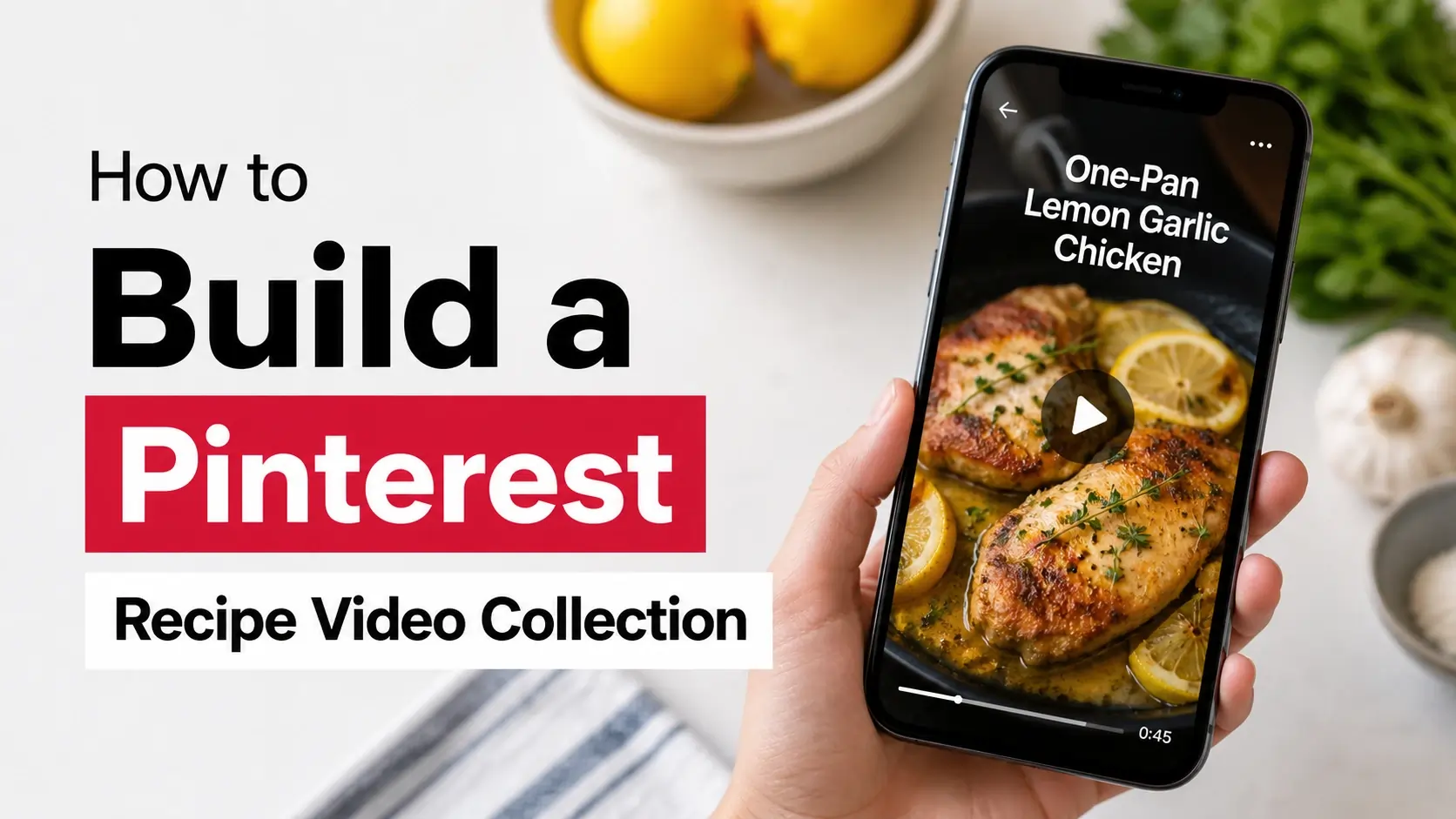
Pinterest is one of the largest cooking video platforms on the internet. Recipe creators have moved en masse to short-form video — and Pinterest’s search-driven algorithm keeps recipe videos findable years after posting, unlike Instagram or TikTok where they vanish into the feed.
But there’s a familiar problem: you find a perfect 30-second pasta recipe video, save it to your “Dinner Ideas” board, and the next time you want to actually make it, your kitchen WiFi is spotty, the video keeps buffering, and you’re standing there with cold ingredients waiting for the next cooking step.
This guide walks through building an offline collection of Pinterest recipe videos that you can actually rely on while cooking — no buffering, no signing in, no apps required.
Why Recipe Videos Specifically Need Offline Access
Cooking is the use case where streaming videos break down most often:
Kitchen WiFi is often unreliable. Many kitchens are far from routers, surrounded by appliances that interfere with WiFi, or both. The exact moment you need to glance at the next step, the video stops loading.
Hands-busy means you can’t troubleshoot. When you’re elbow-deep in dough or browning meat, you don’t want to be tapping back through Pinterest’s app trying to find the saved recipe.
Phones get dirty in kitchens. A phone propped against a flour container needs to play the video from start to finish without you touching it. Streaming pauses every time a buffer happens.
Internet drops at the worst moments. Outages happen. ISP issues happen. Your “internet recipe” suddenly isn’t accessible — and you’re committed to making something for which you’ve already chopped half the ingredients.
Saved offline videos solve all of these. The video just plays, locally, without internet, regardless of what’s happening with your connection.
The Workflow: Save → Organize → Use
Here’s the system we’d recommend for building a usable recipe collection:
Step 1: Pin During Browsing
When you’re casually browsing Pinterest and find recipes that interest you, save them to a Pinterest board first. Don’t immediately download. The board acts as your “to consider” pile.
Naming convention for boards:
- “Dinners — Quick”
- “Dinners — Special”
- “Breakfast Ideas”
- “Desserts to Try”
- “Meal Prep”
Specific is better than general. “Recipes” as a single board becomes useless at 200 pins. Three or four targeted boards (each at 30-50 pins) stays usable.
Step 2: Curate Weekly
Once a week, review what you’ve pinned. Some pins won’t survive scrutiny — recipes that looked appealing in the feed but don’t actually fit your cooking life. Remove those.
For the survivors, identify the 5-10 you actually plan to make in the next month. Those are your candidates for offline saving.
Step 3: Download to Device
For your selected recipes, download the videos using a Pinterest video downloader. Process per video:
- Click into the pin on Pinterest
- Tap the share icon
- Tap “Copy Link”
- Open the downloader site
- Paste, click Download
- The MP4 saves to your device
For 5-10 videos, this takes about 5 minutes total.
Step 4: Organize by Type
Don’t just dump all recipe videos into your phone’s general video folder. Create subfolders:
On iPhone (Files app):
- Files → On My iPhone → Create folder “Recipes”
- Inside Recipes, create subfolders: “Quick Dinners,” “Weekend Cooking,” “Breakfast”
- Move each downloaded video to its appropriate folder
On Android (Files app or Gallery):
- Internal Storage → Movies → create folder “Recipes”
- Subfolders by category as above
- Move downloaded videos in
On Mac/Windows:
- Pictures or Documents → Recipes folder
- Subfolders by category
- Move videos in
Step 5: Rename Files Meaningfully
The downloaded MP4s have generic filenames like pinterest-video-12345.mp4. Rename them so you can find them:
Pasta_Carbonara_Quick.mp4Sourdough_Bread_Weekend.mp4Breakfast_Burrito_Meal_Prep.mp4
Now when you’re searching your phone for “what should I make for dinner?”, you can scroll through actual recipe names instead of generic filenames.
Step 6: Review Periodically
Every month or two, review your offline recipes. Some will become favorites; others will sit unused. Delete the unused ones to keep your collection focused.
Optimization for Your Specific Cooking Style
Different cooks need different organizational approaches:
Quick Weeknight Cook
You need 15-30 minute recipes that don’t require obscure ingredients.
Folder structure:
- Quick Dinners (under 30 min)
- Quicker Dinners (under 15 min)
- Pantry Recipes (no shopping needed)
Pinterest search strategies:
- “30 minute dinner”
- “Easy weeknight pasta”
- “Quick dinner ideas no shopping”
Weekend Project Cook
You enjoy multi-hour recipes with proper technique.
Folder structure:
- Bread and Baking
- Slow Cooker / Braised
- Special Occasion Dishes
- Technique Tutorials
Pinterest search strategies:
- “Sourdough bread recipe step by step”
- “Beef bourguignon tutorial”
- “Pastry techniques video”
Health-Focused Cook
You optimize for macros, calories, or specific dietary needs.
Folder structure:
- High Protein
- Low Carb
- Plant-Based
- Meal Prep Sunday
Pinterest search strategies:
- “High protein meal prep video”
- “Plant-based dinner under 500 calories”
- “Keto-friendly weeknight dinners”
Budget-Conscious Cook
You want delicious food on a tight grocery budget.
Folder structure:
- Pantry Staples
- Budget Dinners
- Bulk Cooking
- Use What You Have
Pinterest search strategies:
- “Cheap dinner ideas family”
- “Pantry meals from scratch”
- “Budget meal prep for week”
Family Cook
You’re feeding picky eaters with diverse preferences.
Folder structure:
- Kid Approved
- Hidden Vegetables
- One Pan Family Dinners
- Crowd Pleasers
Pinterest search strategies:
- “Picky eater dinner ideas”
- “One pan family dinner”
- “Hidden vegetable recipes for kids”
Storage Considerations
How much storage will a recipe collection actually use?
A typical Pinterest recipe video runs 15-60 seconds at 1-3 MB. A collection of:
- 20 videos: ~50 MB total — negligible on any device
- 100 videos: ~250 MB — still small
- 500 videos: ~1.25 GB — meaningful but manageable
- 1,000+ videos: 3+ GB — start being selective
Most cooks need 20-50 reliable recipe videos in heavy rotation. Keeping that small, curated collection on every device works fine.
If you want a larger archive, store on a cloud service (Google Drive, iCloud Drive, Dropbox) and download specific recipes to your phone before cooking.
Setting Up Your Phone for Hands-Free Cooking
Once you have the videos saved, configure your phone for actual cooking use:
Stand or Mount
A phone stand keeps the device upright and visible while cooking. Various options:
- $5-10 phone stand (Amazon basics)
- DIY: phone leaning against a cookbook
- Magnetic mount on the fridge or cabinet
- Tablet stand if you want larger screen
Pick whatever survives a kitchen environment (some flour and water exposure is inevitable).
Auto-Rotation Lock
For vertical phone-format recipes, lock rotation so the phone stays upright. For horizontal videos, unlock so you can position naturally.
Brightness and Auto-Sleep
- Set brightness to maximum (or near it) — kitchens are well-lit and you need to read text
- Disable auto-sleep or set it to maximum (5-30 min) — your video shouldn’t pause because the screen timed out
Volume and Audio
- Increase volume if videos have voice instructions
- For silent recipe videos, audio doesn’t matter
- Wireless earbuds work great for kitchens — voice instructions in your ears, hands free
Picture-in-Picture (Optional)
iOS and Android both support picture-in-picture for videos. You can watch the recipe in a small window while keeping your timer or grocery list visible. Useful for complex multi-step cooking.
Common Issues With Saved Recipe Videos
Video plays but no sound
The original Pinterest video may be silent (recipe creators often don’t include voice narration). This isn’t a tool issue — the source has no audio. Read the recipe description on Pinterest separately if needed.
Video quality looks different than on Pinterest
Some Pinterest videos have effects applied during playback that don’t carry over to the download. The downloaded file is the unaltered original; the Pinterest player adds polish.
Can’t find the file after download
Default download locations vary by device. Check Files app on iPhone, Downloads folder on Android, ~/Downloads on Mac/Windows. Search by filename or extension if you’ve forgotten where it landed.
Video starts mid-recipe
Sometimes Pinterest videos begin without context (no ingredient list shown). The video itself is the recipe — but the description text on Pinterest contains the actual ingredient amounts. Save the description separately.
Step-by-step is unclear from video alone
Many Pinterest cooking videos assume you’ll read the full recipe text. Combine the saved video with the saved recipe description for complete context. Some cooks copy the description into a Notes app entry alongside the video.
Pairing Pinterest with a Recipe Notes System
The video alone often isn’t enough. For serious cooks, pair Pinterest videos with notes on:
- Exact ingredient amounts (often missing from videos)
- Substitutions you’ve made
- What you learned from making the recipe (timing, technique tips)
- Whether you’d make it again
Apps that pair well with offline Pinterest videos:
Apple Notes / Google Keep / Evernote: Add a recipe note for each video, with screenshot, ingredient list, and personal modifications.
Specific recipe apps:
- Paprika — purpose-built recipe manager, supports video import
- Whisk — recipe organization with meal planning
- ChefSheet — handles recipe import from various sources
Spreadsheets:
- Google Sheets/Excel — column for recipe name, link to video file, ingredients, notes
- Surprisingly effective for power users who like structured data
Frequently Asked Questions
Can I download recipe videos automatically as I save them on Pinterest?
Not officially. Pinterest’s terms generally discourage automated bulk downloading. Manual one-at-a-time downloading via a tool is fine; building automation that mass-downloads everything you save is a different question.
Are Pinterest recipe videos copyrighted?
Yes. The original creator owns the copyright. Personal offline use is generally fine; reposting their content as your own (especially for monetization) is a copyright issue. Save for personal use, credit creators if you share their recipes, don’t claim recipes as your own that aren’t.
How do I save the recipe text along with the video?
Either copy the Pinterest description into your notes app, or take a screenshot of the description and save with the video. The description usually contains ingredient quantities the video doesn’t show explicitly.
What if a recipe video I downloaded gets deleted from Pinterest?
You still have your downloaded copy. The deletion only affects Pinterest’s servers — your local file is yours. This is actually a benefit of downloading: you preserve recipes that creators sometimes remove.
Can I share my offline recipe collection with my partner or family?
Personal sharing within a household is generally fine. Sending one or two recipes to a friend who’s curious is fine. Building a publicly accessible “collection of stolen Pinterest recipes” website would be a copyright problem.
Should I use a recipe app instead of just video files?
Depends on your preference. Apps like Paprika offer better organization and metadata; raw video files are simpler. For most casual home cooks, simple video files in named folders work great. Power users benefit from purpose-built apps.
Conclusion
A curated offline collection of Pinterest recipe videos is genuinely useful for actual cooking — not just hypothetical “I might make this someday” pinning. The system requires a small upfront effort (organize folders, name files meaningfully) but pays off every time you actually use it.
Pinterest is for discovery; offline files are for execution. The combination of both works much better than relying on streaming during cooking.
If you’re ready to start building your collection, our video downloader handles the Pinterest-to-MP4 part. The rest is just folder organization and naming files in ways that future-you will thank present-you for.