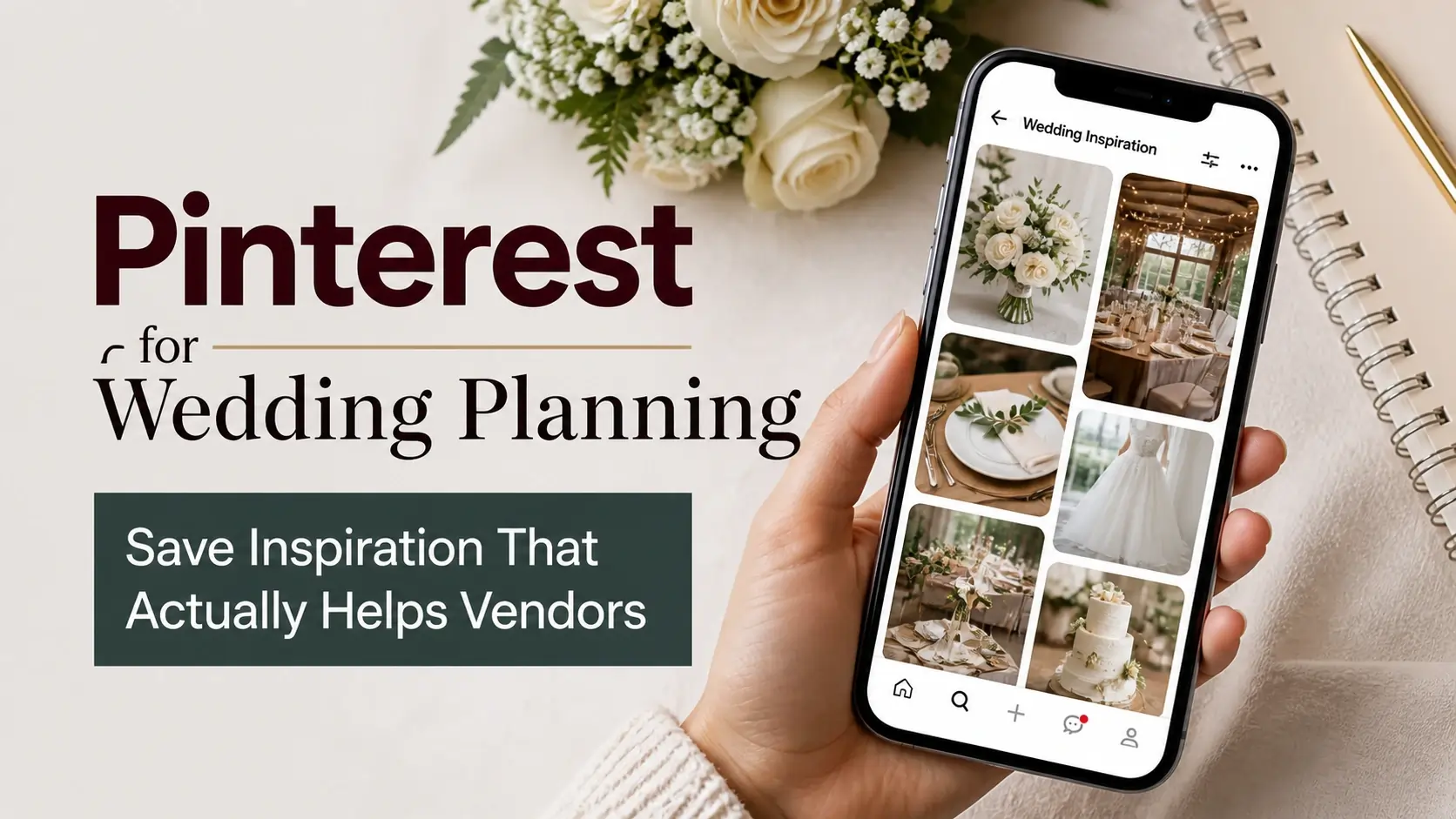
The average bride saves over 1,000 Pinterest pins during wedding planning. Florals, dresses, venues, table settings, hairstyles, color combinations, lighting setups, paper goods, signage — it adds up fast.
But there’s a gap between the Pinterest board with 1,200 pins and the actual wedding day vision your vendors need to execute. Florists need specific reference images at high resolution. Photographers need to understand your aesthetic. Venue stylists need to see exactly the kind of setup you imagine. None of that works with a chaotic 1,200-pin board.
This guide walks through how to use Pinterest for wedding planning in a way that actually helps your vendors deliver what you envision — including the technical step most brides skip: downloading high-resolution versions of your key inspiration so vendors can actually study them properly.
Why Pinterest Is Both Perfect and Problematic for Weddings
Why it’s perfect:
- Massive volume of high-quality wedding content
- Search-driven discovery (find exactly what matches your vision)
- Easy to save and revisit
- Free, with no commitment
- Inspiration from photographers globally
Why it’s problematic:
- Algorithm pushes toward trends, not your specific vision
- Easy to drift from your aesthetic into generic “trending wedding”
- Boards become unmanageable past 100 pins
- Pinterest’s image quality (when you save) often isn’t good enough for vendor use
- Distinction between “love this idea” and “want to copy this exactly” gets blurred
The fix isn’t using Pinterest less — it’s using it more strategically.
Phase 1: Discovery (Months 12-9 Before Wedding)
When you first start planning, Pinterest is for broad discovery. You’re figuring out what aesthetic you respond to.
Boards to create:
- Wedding Vibe / Aesthetic
- Wedding Color Palette
- Wedding Venues That Inspire
- Wedding Photography Style
Approach:
- Save broadly. 200-500 pins per board is fine at this stage.
- Don’t worry about whether you can actually have what you’re pinning yet.
- Mix aspirational pins with practical ones.
- Don’t share these boards with your fiancé/vendors yet — you’re still exploring.
What you’re trying to figure out:
- Modern, romantic, rustic, glamorous, minimalist, boho — which feels like you?
- Light and airy, moody and dark, vibrant and colorful?
- Outdoor or indoor, formal or casual?
By the end of Phase 1 (about 3 months), you should have a clearer sense of your aesthetic without committing to specifics.
Phase 2: Refinement (Months 9-6)
Now you start narrowing. Some pins from your discovery boards make the cut; many don’t. The goal is moving from “everything wedding” to “your specific wedding.”
What to do:
- Create more specific boards: “Florals — My Wedding,” “Reception Setup,” “First Look Photography”
- Move only the strongest pins from discovery boards to refined boards
- Aim for 30-60 pins per refined board, not 500
- Start sharing private board links with your fiancé for input
Hard cuts to make:
- “I love this but it doesn’t match my venue”
- “This is gorgeous but my budget can’t support it”
- “This is trendy now but might feel dated by my wedding”
- “Three other pins say something similar — I don’t need this duplicate”
This phase is where most brides should be cutting more than they save. The temptation to save another beautiful image is constant; resisting it serves you.
Phase 3: Vendor Collaboration (Months 6-3)
Once you’ve booked vendors, Pinterest becomes a communication tool with them. Different vendors need different things from your boards.
For Your Florist
What they need to see:
- 5-10 specific bouquet/centerpiece references at high resolution
- Your color palette explicitly stated
- Examples of installation styles you love (arches, ceiling installations, etc.)
- Reference for vibe (lush vs. structured, romantic vs. modern)
What they don’t need:
- 200 pins of “wedding flowers”
- Pins where the floral element is barely visible
- Florals that mismatch your aesthetic
How to share:
- Create a focused “Wedding Florals — Final” board with 10-15 strongest references
- Add notes on key pins explaining what specifically you love
- Share via Pinterest’s collaborate feature (or download key images and email)
- Ideally: a 2-page printed reference of 6-8 strongest images
For Your Photographer
What they need to see:
- Photographic style references (light/airy vs. dark/moody, candid vs. posed)
- Specific shot ideas you want captured
- Color/edit style examples
- Posing references if you have specific ideas
What they don’t need:
- Inspiration from photographers with vastly different styles
- Too many shot examples (gets prescriptive — they need creative space)
How to share:
- “Photography Inspiration” board with 10-20 strong references
- Discuss in person early about your vision
- Be open to their interpretation rather than expecting carbon copies
For Your Venue Stylist / Coordinator
What they need to see:
- Layout references (where bar goes, where ceremony happens, etc.)
- Lighting setup examples
- Rental style preferences (chairs, tables, linens)
- Signage and paper goods aesthetic
What they don’t need:
- 50 pins of generic reception setups
- Pins that show details unrelated to physical setup (focus on space planning)
How to share:
- Specific boards: “Reception Setup,” “Ceremony Setup,” “Lighting Vision”
- 15-25 strong pins per board
- High-resolution downloads of the strongest 5-6 for printable mood board
For Your Hair and Makeup Artist
What they need to see:
- 3-5 specific hairstyle references
- 3-5 specific makeup looks
- Your wedding dress (so they can match aesthetic)
- References from people with similar hair/skin to you
What they don’t need:
- Generic “wedding hair” pins from people with completely different hair types
- Over-stylized photo-shoot looks that won’t work in real life
How to share:
- A “Bridal Beauty” board with carefully selected references
- Discussion at trial appointments using printed references
- Be honest about which pins are aspirational vs. practical
Why Resolution Matters for Vendor Communication
Most brides save Pinterest images via right-click or screenshot. The result is typically 600-800 pixels wide — fine for browsing on phone, problematic when:
- Printing for vendor reference
- Studying technical details (specific flower stems, lace patterns, lighting setups)
- Showing on a tablet during a vendor meeting
- Including in a wedding planning document or contract addendum
For these uses, you need higher resolution. Pinterest’s /originals/ versions are usually 1080×1620 or higher — sharp on screens of any size and acceptable for print.
The technical fix is using a Pinterest image downloader that automatically requests originals, instead of right-click saving thumbnails.
Building a “Wedding Vision” Document
The most useful single artifact for wedding planning is a 4-6 page PDF or printed document compiling your strongest references. Here’s how to assemble one:
Page 1: Overview
- Wedding date, venue, season
- Color palette (3-5 colors with hex codes if possible)
- Aesthetic in 3-5 words (“modern romantic,” “garden party,” “elegant minimalist”)
- 1 hero image that captures the overall vibe
Page 2: Florals
- 4-6 high-resolution flower images
- Bouquet preferences
- Centerpiece style
- Arch/installation references
- Color flow notes
Page 3: Setup and Decor
- Reception layout reference
- Ceremony setup
- Tablescape examples
- Lighting vision
Page 4: Photography and Style
- Photography aesthetic references
- Specific shots you want
- Bridal style (dress, veil, accessories)
- Color and edit preferences
Page 5: Beauty
- Hair and makeup references
- Specific looks you’ve discussed with your team
Page 6: Other Details
- Paper goods (invitations, signage, menus)
- Music/entertainment vision
- Special elements unique to your wedding
This document, with high-resolution images throughout, becomes the single reference vendors come back to. Far more useful than a sprawling Pinterest board.
Common Wedding Pinterest Mistakes
Mistake 1: Confusing aspiration with reality
Pinterest weddings often feature professional styling, perfect weather, custom installations, and photography editing. Your wedding will be real life. Pin for inspiration, not for replication.
Mistake 2: Saving without context
A pin captioned “Beautiful!” tells vendors nothing about WHY you saved it. Add notes specifying what you love (the lighting, the style, the colors).
Mistake 3: Drifting toward trendy
Pinterest’s algorithm rewards trends. If you don’t actively counter this, your “wedding vision” gradually becomes “current Pinterest wedding trend.” Be deliberate — save what you genuinely love, not what’s algorithmically popular.
Mistake 4: Sharing chaotic boards with vendors
Sending vendors a 600-pin board doesn’t help them — it overwhelms them. They need 10-25 strong references per topic, not 600 mixed-quality pins.
Mistake 5: Not downloading until the last minute
Brides often realize they need high-resolution versions of key references when they’re already in vendor meetings. The technical work of downloading originals should happen during refinement (Phase 2), not the week of the wedding.
Mistake 6: Over-prescribing
Showing photographers exactly how you want every shot composed gets exactly that — and rarely better. Trust your vendors. Show them aesthetic, then give them creative space.
Mistake 7: Including incompatible references
A board with both “modern minimalist” and “rustic bohemian” pins confuses vendors. Decide on a coherent direction and remove pins that don’t fit.
Pinterest Etiquette for Wedding Planning
A few notes on respectful Pinterest use:
Credit creators when possible. Pin from original sources (photographer websites, designer accounts) rather than reposts when you can identify them.
Don’t expect vendors to copy. Showing a pin and saying “make exactly this” is rarely realistic and often legally problematic (the original photographer owns that work). Use pins as direction, not copy targets.
Respect that vendors have aesthetic input. Your vendors are creative professionals whose work you’re paying for. Don’t reduce them to pixel-by-pixel copyists. Trust their judgment within your direction.
Don’t share other vendors’ work as your wedding plan. If your photographer hasn’t shot it yet, don’t share Pinterest images as if they’re “your wedding photos.”
Frequently Asked Questions
How many Pinterest pins do I really need?
Less than you think. By your wedding date, your “active reference” should be 50-150 strong pins across 5-8 specific topical boards. The 1,000+ pins you might accumulate are mostly for personal exploration; vendors don’t need most of them.
Should I share my Pinterest boards publicly?
Generally no for the planning phase. Some couples make a “wedding announcement” board public with general inspiration, but specific planning details are better kept private. After the wedding, sharing what you actually did can be lovely.
Can I download Pinterest images to share with vendors who don’t use Pinterest?
Yes. This is actually a good practice. Download high-resolution versions of your key 20-40 references and email them to vendors as a wedding vision PDF. Far more useful than a Pinterest link.
How do I handle conflicting visions with my fiancé/family?
Build separate exploratory boards if needed, then converge through discussion. The final wedding vision board should represent agreement, not unresolved disagreement.
What if I don’t actually like wedding planning Pinterest content?
That’s fine. Some couples prefer Instagram, magazines, or just direct vendor consultations. Pinterest isn’t required. If it’s not helping you, abandon it without guilt.
How far in advance should I start?
Discovery can start as early as you want (some couples pin for years before getting engaged). Refined planning ideally starts 9-12 months out. Trying to do all your Pinterest planning in the last 3 months is stressful and produces worse results.
Should I delete my wedding boards after the wedding?
Up to you. Some couples keep them as memory archives; others find them painful reminders of decisions made. Make it private if you don’t want active Pinterest engagement on it post-wedding.
Conclusion
Pinterest is genuinely useful for wedding planning when used with discipline. The casual approach (pin everything, share chaotic boards with vendors, hope it works out) leads to wedding-day misalignment. The structured approach (curate ruthlessly, download key references at high resolution, build a vision document) gives vendors what they actually need.
The technical step most brides skip — downloading high-resolution versions of key inspiration — is the difference between vendors who understand your vision and vendors who guess.
For full-resolution Pinterest images that work in printed mood boards and vendor PDFs, our image downloader handles the technical side. The creative side is your vision.