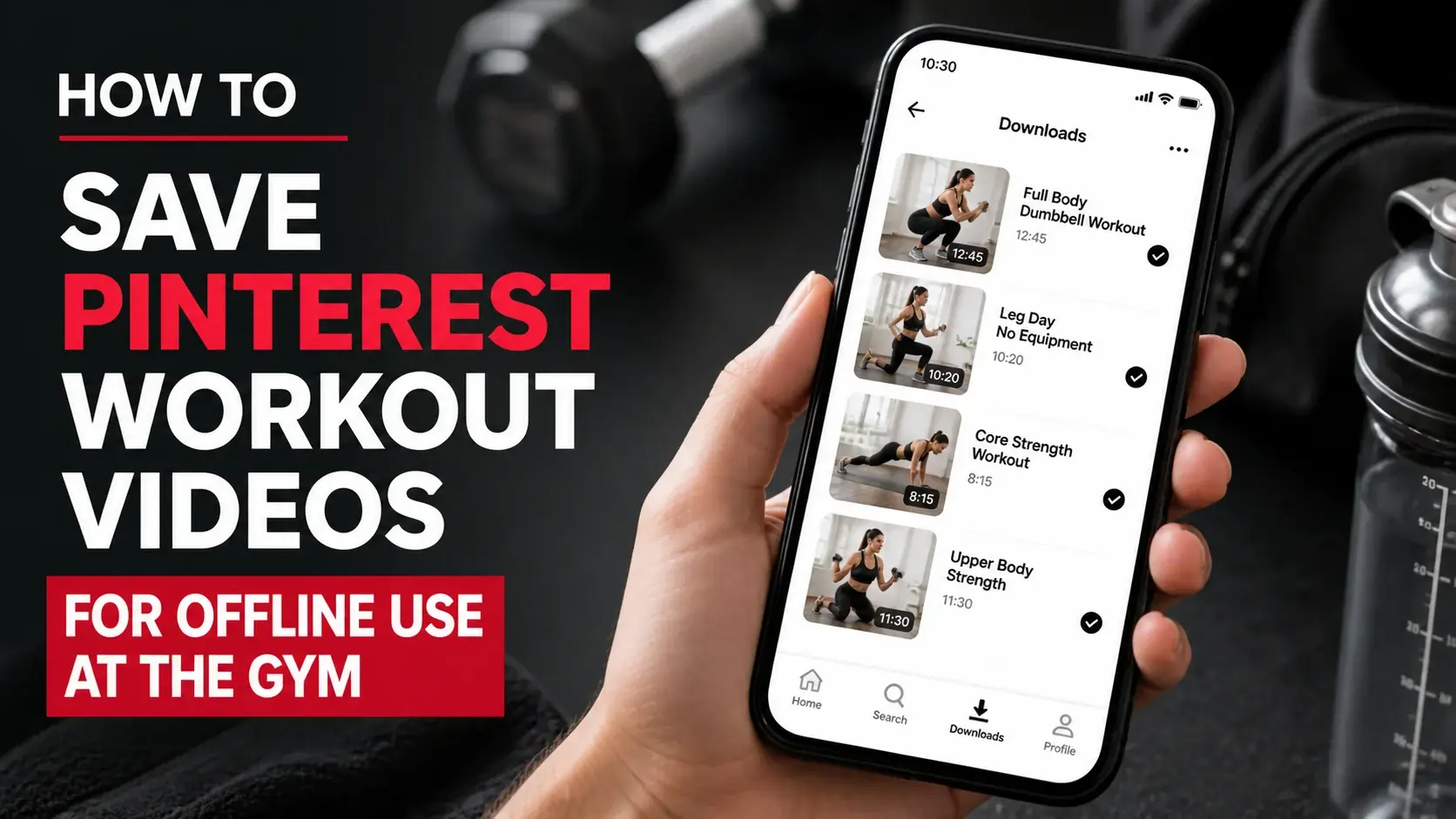
You found the perfect circuit workout on Pinterest. Saved it to your “Workouts” board. Got to the gym, hit play — and the video buffers every 10 seconds because gym WiFi is overloaded and your cellular signal is two bars at best.
The workaround is obvious: download the video to your phone before you leave home. The execution is what most people get wrong. This guide walks through building a phone-ready workout video library that works in dead zones, without using cellular data, and without dragging out your gym session.
Why Gyms Are WiFi Black Holes
A few reasons gym streaming fails so reliably:
Cellular signal struggles in metal-heavy environments. Gym equipment is mostly steel. Steel blocks cellular signals. Free weights areas are particularly bad because of all the iron plates absorbing radio waves.
Gym WiFi is overloaded. Most gyms offer “free WiFi” that 50+ people are simultaneously trying to use. The connection is technically present but practically unusable.
Bandwidth limits at peak times. When the after-work rush hits, even decent gym WiFi gets saturated. Your video buffers because everyone else’s is too.
Streaming requires constant connection. A momentary signal drop interrupts playback. Even if your connection averages decent, brief gaps ruin streaming.
Downloaded videos sidestep all of this. Once on your phone, they play locally regardless of what your connection is doing.
What Pinterest Workout Videos Are Worth Saving
Not every Pinterest workout video deserves a download slot on your phone. The best candidates share characteristics:
Short to medium length. 15 seconds to 3 minutes covers most useful workout videos. Longer videos are usually full workout sessions that you won’t want to follow exactly anyway.
Clear visual demonstration. A video showing proper form for a specific exercise is more useful than a montage with text overlays. You’re learning the movement, not absorbing a tutorial.
Equipment matches what’s available. A video featuring resistance bands is useless if your gym doesn’t have them. Match downloaded content to your actual environment.
Repeatable workout structure. Circuits, EMOMs (every minute on the minute), and supersets reference well during a workout. Long flowing yoga sequences are better watched at home.
Audio-optional. If the video relies heavily on voice narration, the audio quality matters. Many Pinterest workouts are silent with text overlays — these work great with gym headphones playing your own music.
Building Your Workout Video Collection
A practical workflow:
Step 1: Categorize by Workout Type
Create folders on your phone for different workout categories:
- Quick Cardio (10 minutes or less)
- Strength — Upper Body
- Strength — Lower Body
- Core Workouts
- Stretching/Recovery
- Travel Workouts (no equipment needed)
This structure means when you arrive at the gym with a plan (“today is upper body”), you can browse the relevant folder rather than scrolling through 100 unsorted videos.
Step 2: Find and Save on Pinterest
Search Pinterest for specific exercise types or workout structures. Save promising videos to a Pinterest board first — you’re shopping, not committing yet.
After collecting 30-50 videos in the board, evaluate each:
- Does the form look correct?
- Is the equipment realistic for my gym?
- Is the duration manageable?
- Will I actually do this, or just save it aspirationally?
The honesty filter is crucial. Most Pinterest workouts that look impressive aren’t actually appropriate for your fitness level or available equipment.
Step 3: Download Selected Videos
For the videos that survive your evaluation, download them using a Pinterest video downloader. Process per video:
- Open the pin in detail view on Pinterest
- Tap share icon → Copy Link
- Open the downloader site in a new tab
- Paste the URL, tap Download
- The MP4 saves to your device
Detailed device-specific guides are also useful here:
Step 4: Organize on Your Phone
Move downloaded videos to the appropriate workout folder. Rename files with descriptive names:
Upper_Body_Pull_Day_15min.mp4HIIT_Cardio_No_Equipment_8min.mp4Bodyweight_Core_Burner_5min.mp4
When you’re sweating between sets, the meaningful filename helps you find the right video without thinking.
Step 5: Periodic Review
Every month or two, audit your collection. Remove videos you’ve never actually used. Add new finds. The collection stays focused and useful rather than becoming archive bloat.
Phone Setup for Gym Use
Once your videos are downloaded, configure your phone for actual workout use:
Use Picture-in-Picture
Both iOS and Android support picture-in-picture (PIP) mode for videos. You can watch the video in a small floating window while your timer or music app fills most of the screen. Useful for circuits where you need both timer and reference.
Lock Orientation
Vertical workout videos shouldn’t rotate when you’re in plank position holding your phone weirdly. Lock orientation in your phone’s control center.
Brightness Up
Gyms are well-lit. Maximum brightness ensures the video stays readable.
Sleep Delay
Set your phone to never auto-sleep during workouts (or at least 5+ minutes). A phone that locks every 30 seconds during your set is useless.
Headphones with Controls
Wireless earbuds with playback controls let you pause/play the workout video while keeping your hands on equipment. Earbuds with passthrough mode are ideal for gym use — you stay aware of your surroundings.
Phone Stand
If you’re doing floor work or static positions, a phone stand keeps the device upright. $5 from any general store.
Workout Patterns That Pair Well With Pinterest Videos
Some workout structures are particularly well-suited to following along with saved videos:
Circuit Training
A circuit might be: 12 squats, 10 push-ups, 8 lunges, 6 burpees, repeat. Each exercise has its own form-reference video saved on your phone. Between sets, you glance at the next exercise’s video to refresh proper form.
EMOM (Every Minute On the Minute)
A 10-minute EMOM might cycle through five exercises. Save a 10-15 second form video for each, then run a timer with brief reference video glances between movements.
Drop Sets and Pyramids
These complex set structures are hard to remember mid-workout. Saving a video showing the structure means you don’t have to memorize “60% × 12, 70% × 10, 80% × 8…”
Skill Work
Olympic lifts, kipping pull-ups, muscle-ups — anything technical benefits from form review immediately before you attempt it. Saved videos beat trying to load YouTube on bad gym WiFi.
Mobility and Warm-Up Sequences
A 5-minute pre-workout mobility routine is much easier to follow with a saved video than to remember from memory. Build a few standard warm-up videos to reference at the start of every session.
Common Issues With Workout Videos
Video Plays But the Form Looks Off
Some Pinterest creators demonstrate exercises with imperfect form. Vet videos before adding to your collection. The easiest way is checking creator credentials. Trainers with verified credentials and follower counts in the tens of thousands generally show correct form. A random pin from someone with 50 followers might not.
Audio Cues Don’t Match What You’re Doing
Pinterest videos sometimes play music that’s been licensed for the platform. When downloaded, the audio is included. If you’re listening to your own music during workouts, just mute the video.
Video Is Choppy at Full Speed
Some Pinterest workout videos use slow-motion or sped-up effects to fit demonstrations into 15 seconds. The downloaded version preserves these effects. If a video moves too fast to follow, look for a longer version. Our guide to Pinterest video quality explains why some videos look smoother than others.
Can’t Tell What Equipment Is Being Used
Pinterest videos sometimes shoot from angles that obscure equipment specifics. The video description usually clarifies. Save the description text along with the video for reference.
Frequently Asked Questions
Should I rely entirely on Pinterest workout videos?
No. Pinterest is great for movement reference and individual exercise demonstrations, but it’s not a substitute for proper programming. For overall fitness progress, follow a structured program from a qualified coach (whether ACE-certified, NASM-certified, or similar). Use Pinterest videos as supplements, not your full plan.
Is it legal to download workout videos for personal use?
Personal offline use is generally fine. Reposting downloaded videos as your own content, or using them in monetized fitness products without licensing, is a copyright issue. The original creator owns the work even if Pinterest hosts it.
Can I use these videos for my fitness clients?
If you’re a trainer with clients, build a personal reference library for your own use during sessions. Sharing downloaded videos with clients (rather than having them save the originals on Pinterest) probably crosses into redistribution territory. Better practice: send clients the Pinterest links so they can save themselves.
How much storage will a workout video collection use?
A typical Pinterest workout video is 2-8 MB. A collection of 50 videos (which is quite a lot) is around 250 MB — negligible on modern phones with 64GB+ storage.
Should I save the same video multiple times for different folders?
Generally no. Pick one location for each video. If you need cross-referencing, use file naming conventions (HIIT_AND_Cardio_Burner.mp4 indicates it fits both categories).
Can I download a full Pinterest workout playlist at once?
Not via standard tools. You’d need to download videos one at a time. This is intentional — bulk downloading often crosses into territory that violates platform terms.
Conclusion
Pinterest is a genuinely useful resource for workout video reference, but the platform’s streaming-only model fails in real gym environments. A small upfront effort (download key videos, organize by category, set up phone for gym use) produces a workout reference library that actually works when you need it.
Build the collection deliberately. 50 videos you’ll actually use beat 500 saved-but-never-watched. The workout system works because it’s curated, not despite being smaller.
When you find Pinterest workout videos worth saving offline, our video downloader handles the technical part. Build the collection over a few weeks and you’ll have a reliable gym companion that doesn’t depend on bad WiFi.