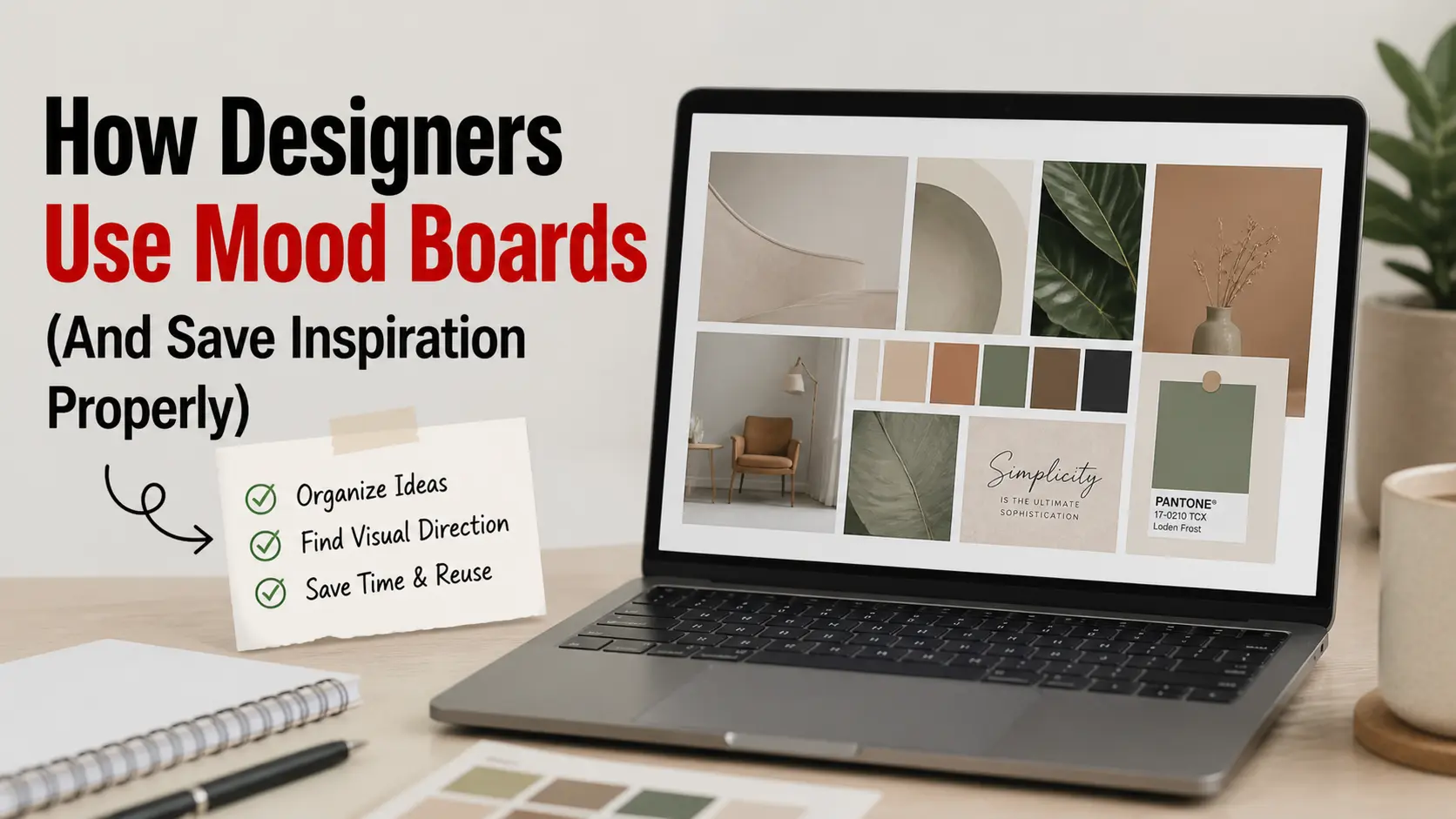
For working designers, Pinterest isn’t a casual scrolling app. It’s a research tool, a client communication device, and a structured inspiration archive. The way professionals use Pinterest for mood boards differs significantly from how casual users browse — and the difference shows up in the resulting design quality.
This article walks through how interior designers, brand designers, web designers, and other creative professionals actually use Pinterest in their workflows, then explains how to save inspiration at full quality without losing it to thumbnails or watermarks.
Why Pinterest Beats Other Inspiration Sources for Designers
Designers have plenty of inspiration options: Behance, Dribbble, Instagram, design blogs, physical magazines. Why does Pinterest still dominate professional mood boarding?
Search-driven discovery. Pinterest’s algorithm surfaces content based on what you’ve explicitly indicated interest in (saves, searches, clicks). Behance and Instagram show what’s trending or popular among your follows. For a specific brief — “minimalist Scandinavian kitchen” — Pinterest’s search returns tightly relevant results that feed-based platforms can’t match.
Persistence. Pinterest pins remain visible and discoverable for years. A great pin from 2020 surfaces in 2026 if it matches a search. Instagram and TikTok content effectively disappears after weeks.
Multi-source aggregation. Pinterest pulls from blogs, magazines, photographer portfolios, retailer catalogs, and personal accounts simultaneously. You see inspiration from sources you wouldn’t think to check separately.
Visual-first interface. Pinterest’s grid layout shows you 20+ images at once. You can scan dozens of options visually before committing to read details on any single one. This matches how visual creatives actually evaluate work.
Free. Behance Pro, Dribbble Pro, and various design subscription tools cost money. Pinterest is free for unlimited use.
The combination makes Pinterest the go-to for actual professional mood boarding — even for designers who would say they prefer “more curated” platforms.
How Different Designer Roles Use Pinterest
The mood board approach varies dramatically by discipline:
Interior Designers
Workflow:
- Create a board for each client/project (kept private until presentation)
- Pin reference photos from Pinterest, retailer sites, design blogs
- Group sub-themes onto separate sub-boards (kitchens, bedrooms, palettes, materials)
- Present to clients via shared boards or assembled mood boards (Canva, Photoshop)
- Reference saved pins during sourcing — finding the actual products that match
What they save: Room photographs, furniture details, paint color swatches, fabric textures, lighting fixtures, accessory styling
Quality requirement: High-resolution images for print mood boards and detailed reference. Thumbnails are useless when you need to see fabric texture or color accuracy.
Brand Designers
Workflow:
- Create exploratory boards for new brand projects (often public for client review)
- Save logo concepts, typography specimens, color palettes, packaging design
- Build secondary boards for narrower exploration (e.g., “Serif typefaces for client X”)
- Use saved content to inform mood boards, presentation decks, and design direction
What they save: Logo designs, typography examples, packaging shots, color combinations, brand identity systems, photography styles
Quality requirement: Crisp text and clean lines matter most. Low-resolution images hide the typographic details that make a brand identity work.
Web/UI Designers
Workflow:
- Save interface screenshots, layout patterns, animation references
- Build niche boards for specific component types (navigation, forms, cards, hero sections)
- Reference during wireframing and visual design phases
- Save inspiration that’s distinctive enough to inform without copying
What they save: Website screenshots, mobile UI patterns, micro-interactions, color systems, typography pairings
Quality requirement: High enough resolution to read interface text and see pixel-level details. Screenshots that are blurry are useless for studying UI patterns.
Wedding/Event Planners
Workflow:
- Create boards by event type (intimate dinners, large receptions, etc.)
- Save reference photos for clients to react to during initial consultations
- Sub-categorize into florals, table settings, lighting, dress styles
- Use boards as living mood boards that evolve with each client’s preferences
What they save: Tablescapes, floral arrangements, venue photography, lighting setups, dress styles, color combinations
Quality requirement: Vivid color reproduction and texture detail. Most decisions are texture-and-color decisions; low-quality images mislead.
Photographers
Workflow:
- Reference boards by photographic style (lifestyle, editorial, architectural, etc.)
- Save lighting setups, composition examples, color grading references
- Build location scout boards for upcoming shoots
- Use as creative reference rather than copy targets
What they save: Lighting setups, color grading references, composition examples, posing inspiration, location ideas
Quality requirement: Highest possible — photographers analyze technical aspects (light direction, color, depth of field) that low-resolution images obscure.
The Pinterest Mood Board Workflow That Works
Across disciplines, professional designers tend to follow a similar mood board process:
Step 1: Set up boards before research
Create empty boards before searching. Name them clearly (often by client name + topic, like “Henderson Project / Living Room”). Keep them private during the exploratory phase. Public boards can wait until you’re ready for client/team review.
Step 2: Search broadly first, narrow later
Start with broad search terms (“Scandinavian living room”). Save 20-30 pins to get the visual language. Then narrow with more specific searches (“Scandinavian living room with leather chairs”). Save 10-20 more from the refined search.
Step 3: Curate by removal
After collecting 50+ pins, ruthlessly remove anything that doesn’t strongly fit. Mood boards with 50 pins are useless to communicate; 15-20 strongly cohesive pins make a clear point.
Step 4: Note the source
For pins you’re seriously considering as direct reference, note the source (blog post, designer name, retailer). Pinterest sometimes loses attribution; capture it while you have it.
Step 5: Save originals for assembly
When you’ve finalized your selection, download the high-resolution versions of each pin. Assemble them into a presentable mood board (Canva, Photoshop, PowerPoint) or use them as reference during design work.
This is where most casual Pinterest users fail. They right-click save and end up with thumbnails that look terrible when assembled. Professionals get full-resolution versions.
Step 6: Reference during execution
The mood board isn’t just for presentation. During actual design work (sourcing furniture, picking colors, drawing layouts), refer back to the board. The pins you saved are decision-making references, not just inspiration.
How to Save Pinterest Images at Professional Quality
This is where the technical side matters. Right-click save on Pinterest typically gives you a 736×1104 thumbnail — too small for most professional uses. To get the actual full resolution Pinterest stored:
Method 1: Pinterest Image Downloader Tools
A tool like Pin Image Downloader automatically requests the /originals/ URL, giving you the highest available resolution.
Workflow:
- Click into the pin on Pinterest
- Copy the pin URL (share icon → Copy Link)
- Paste into the downloader
- Download — you get 1080×1620, 2400×3000, or whatever the original was
Method 2: Manual URL Modification
For occasional use without a tool:
- Right-click the Pinterest image → Open in new tab
- The URL will contain a size segment like
/736x/ - Replace with
/originals/ - Save the image at original resolution
This works but is tedious for batches of 30+ pins.
Method 3: For Your Own Boards
Pinterest has an export feature for boards you own. Settings → Privacy → Request your data. You’ll get a download with all your saved pins, though resolution varies.
Building Boards That Actually Help
A few principles that separate useful designer mood boards from generic Pinterest collections:
Pin with intent
Avoid saving anything that’s “kind of pretty.” Save only items that serve a specific purpose: communicate a feeling, demonstrate a technique, exemplify a style direction. Useful boards have 20-50 pins; useless boards have 500+.
Sort by visual harmony
Once you’ve collected pins, rearrange them so they form a coherent visual group. Put similar tones together. Group by type. The arranged board itself becomes a design artifact.
Add notes when needed
For complex projects, use Pinterest’s note feature on key pins. “Use this color palette for primary,” “Adapt this layout but with different proportions,” “Vendor uses similar fabric.” Your future self will thank you.
Audit annually
Old boards become outdated as your style evolves. Once a year, archive or refresh boards. A board you haven’t touched in two years probably doesn’t reflect your current direction.
Share strategically
Public boards build your professional reputation. Curate at least one or two as showcases of your aesthetic — the kind of work you’re known for. Keep client-specific boards private.
Common Mistakes Professional Designers Make
Saving too much
Pinterest hoarding is real. Boards with 1000+ pins become useless. You can’t review them; the cognitive load is too high. Limit boards to 30-50 strong pins each.
Not crediting sources
Save the source URL in pin notes when possible. When you reference a pin in client work or your portfolio, you should be able to credit the original creator. Pinterest sometimes loses attribution; capture it while you have it.
Using boards as the deliverable
A Pinterest board isn’t a mood board. A board is research. The mood board is the curated, designed artifact you assemble from your saved pins. Don’t show clients raw boards — assemble proper presentations.
Ignoring rights
Pinterest content is usually copyrighted by the original creator. Saving for inspiration is fine. Using saved Pinterest content directly in client deliverables (without licensing) is a copyright issue. Use boards as reference, not source material.
Treating boards as portfolios
Your professional Pinterest boards aren’t your portfolio. Behance, Dribbble, or your own website are. Boards are research tools. Keep them organized but don’t let your professional identity hinge on them.
Frequently Asked Questions
Should I make my mood boards public or private?
Depends on the purpose. For client projects, keep private until you want client review. For showcase boards demonstrating your aesthetic, make public. The default should probably be private — you can always go public later, but you can’t unmake content public.
How many pins per board is ideal?
For working mood boards, 20-50 cohesive pins. Below 15 isn’t enough variety to communicate direction; above 75 becomes overwhelming. Adjust by purpose — exploratory research can be larger, final mood boards smaller.
Can I share my mood board with clients without giving them my Pinterest account?
Yes. Pinterest has a board sharing feature — generate a link that lets people view (or even pin to) the board without needing your account. Configure visibility in board settings.
Should I download every pin I save?
No. Most pins should stay on Pinterest as references you can revisit. Only download the ones you need at high resolution for assembly into final mood boards or printable references.
How do interior designers handle outdated trends in old boards?
Most periodically clean. A board labeled “2022 Trends — Kitchens” is intentionally dated and worth keeping. A general “Kitchens” board with old farmhouse trends that have aged out should be refreshed.
Is Pinterest replacing Behance and Dribbble for professional inspiration?
For research and mood boarding, often yes. For showcasing your own work, no — Pinterest is research, not portfolio. Most professionals use Pinterest for inputs and Behance/Dribbble for outputs.
Conclusion
Pinterest mood boarding is a fundamental tool for professional designers because the platform’s search-driven, persistent, multi-source nature matches how creatives actually find inspiration. The difference between casual and professional use comes down to discipline (curated, intentional pinning) and technical workflow (downloading at full resolution for assembly).
If you’re a working designer using Pinterest casually, the small shift to professional workflow — better-organized boards, curated pins, full-resolution downloads for final mood boards — produces noticeably better client work.
For Pinterest images at full quality, our image downloader skips the right-click thumbnail problem and gives you the original resolution. Useful for the moment when you’ve selected your final 15 mood board pins and need them at print quality.