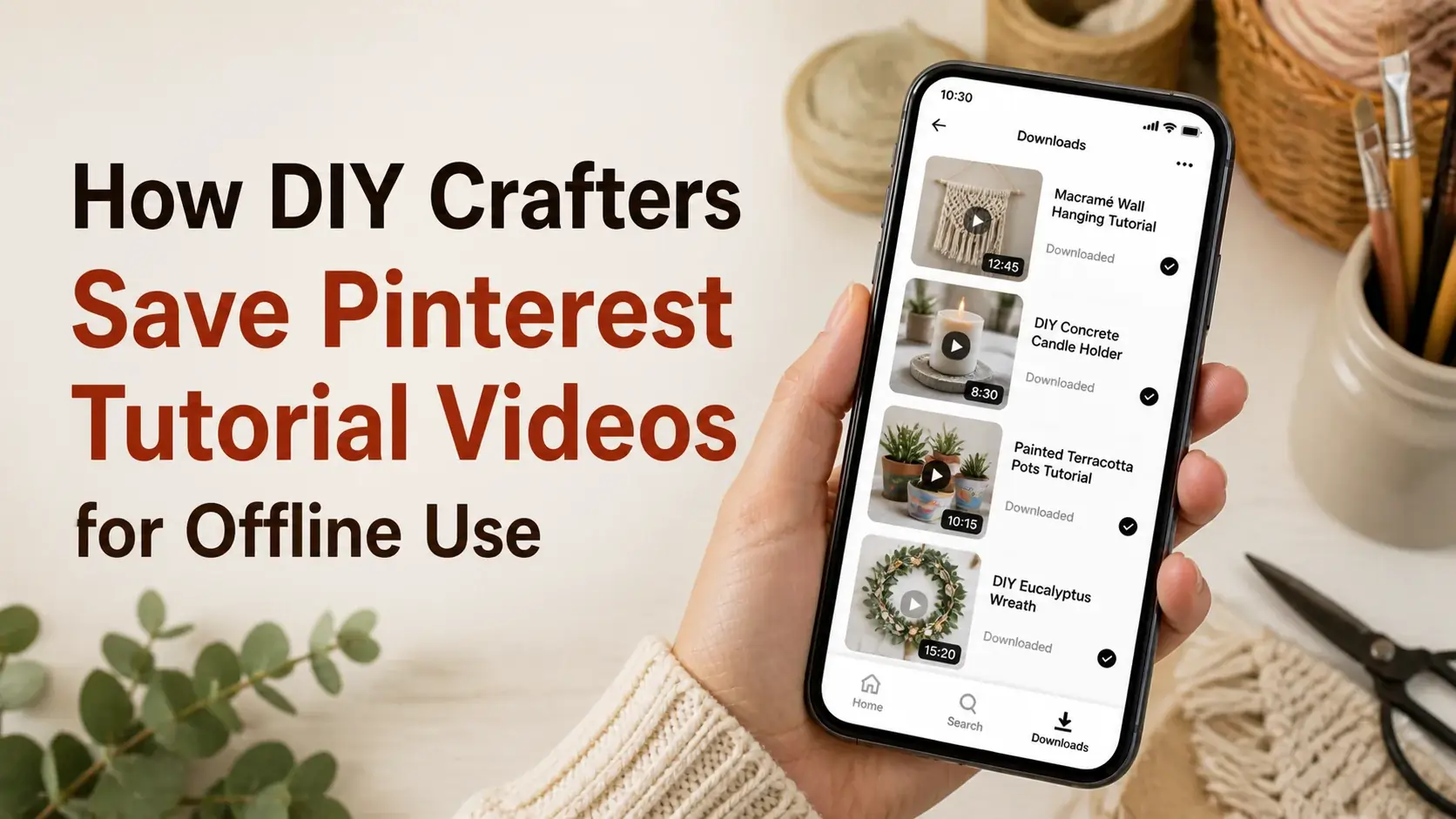
You’re three hours into a DIY project. Hands covered in glue, paint, or wood stain. Phone propped on the workbench playing a Pinterest tutorial video. Then the WiFi drops, the video freezes, and you’re stuck mid-step trying to remember whether you cut the next piece at 45 degrees or 30.
DIY crafting is the use case where streaming videos break down most reliably. Garages, basements, garden sheds, and outdoor workspaces are all places WiFi struggles. Your hands are usually too messy to tap your phone to reload buffering content. The tutorial needs to just play.
This guide walks through the craft-friendly workflow for saving Pinterest tutorial videos so they actually work in real DIY environments.
Why DIY Workshops Are Worse Than Gyms for Streaming
Some specific problems unique to crafting environments:
Workshops are physically messy. Sawdust, paint splatter, glue, water — none of this is good for phones, but it’s especially bad when the phone needs to be touched to interact with streaming controls.
Hands are rarely clean. Even when you wash, you’re back in the project a minute later. Tapping a phone screen with sticky fingers ruins both the project and the phone.
Garage and basement WiFi is weak. Many homes have great WiFi in living areas but spotty coverage where DIY actually happens. Workshop spaces are often furthest from the router.
Outdoor crafting has no WiFi at all. Painting outside, woodworking on the patio, gardening — these have zero indoor WiFi access and often weak cellular signal.
Long tutorials need uninterrupted playback. Furniture restoration tutorials, pottery throwing, complex sewing — these can run 20+ minutes. Even brief streaming interruptions break your concentration.
Downloaded videos solve every one of these problems by removing the connection requirement entirely.
What Makes a Good DIY Tutorial Video to Save
Not all Pinterest DIY content is created equal. The best tutorials to download share traits:
Complete project demonstrations. Videos showing the full project (with appropriate time-lapse or skipping) teach better than single-step demonstrations. You see how the pieces connect.
Clear close-ups during tricky parts. Generic shots are useless when you can’t see exactly which knot, fold, or technique is being used. Good tutorials zoom in for critical moments.
Tools and materials shown clearly. You should be able to identify exactly what’s being used. Tutorials that show “a brush” without specifying type are less useful than tutorials that briefly say “1-inch flat bristle brush.”
Realistic skill level. Pinterest is full of “easy” projects that require advanced skills. Save tutorials at your actual current skill level, not aspirational ones you’ll never attempt.
Reasonable scope. A 30-second furniture restoration video skips so many steps it’s nearly useless. A 5-minute version with proper detail is far more valuable.
Building Your DIY Reference Library
A practical organization system:
Step 1: Sub-Categorize by Project Type
DIY is too broad as a single category. Sub-divide:
- Woodworking — Beginner
- Woodworking — Advanced
- Sewing & Textiles
- Painting Techniques
- Pottery & Ceramics
- Home Improvement
- Garden & Outdoor
- Paper Crafts
- Jewelry Making
- Restoration & Refinishing
Adjust to your actual interests. Someone deep in pottery doesn’t need woodworking categories.
Step 2: Curate from Pinterest
Search Pinterest for specific techniques or projects you want to learn. Save broadly to a Pinterest board first — you’re collecting candidates, not committing.
After accumulating 30-50 candidate tutorials, vet each:
- Is the technique demonstrated clearly?
- Are the materials shown specifically enough?
- Is the skill level appropriate?
- Is the project something I’ll actually attempt?
Most candidates won’t survive vetting. The 10-15 that do are worth downloading.
Step 3: Download with Care
Use a Pinterest video downloader to save selected tutorials at full quality. For tutorials specifically, quality matters more than for casual videos — you need to see fine details. Our main video downloader gives you the original Pinterest quality without upscaling tricks. For step-by-step images (not videos), the image downloader at full resolution helps. Many DIY projects work better with detailed photos than with videos.
Step 4: Save Project Notes Alongside Videos
The video alone often isn’t enough. For each downloaded tutorial, also save:
- A text file with the project’s materials list (often in the Pinterest description, not the video)
- Your personal notes on substitutions or modifications
- Cost estimate
- Time estimate
- Difficulty rating you’ve assigned
This is more work than just saving videos, but it makes the tutorials genuinely usable later.
Step 5: Test the Tutorial Before Big Projects
Before tackling an ambitious project based on a saved tutorial, do a quick test on scrap material. The video might skip steps or assume knowledge you don’t have. Discovering this on scrap is much better than discovering it on the expensive wood you bought for the real project.
Workshop Setup for Following Saved Tutorials
Some practical setup tips for actually using saved videos in workshops:
Phone Mounting
A workshop-grade phone mount is worth the investment. Options:
- Magnetic mount on the wall above your workbench
- Articulating arm clamp (attach to bench edge)
- Tripod with phone holder (portable across projects)
- Plastic protective case + bench-edge clip
Whatever you choose, prioritize keeping the phone clean and visible without occupying workbench space.
Voice Control
iOS and Android both have voice activation. “Hey Siri, pause video” or “Hey Google, pause” works hands-free. Set up your phone to listen even when locked (iOS Settings → Siri → Listen for “Hey Siri”) so you can control playback with messy hands.
External Speaker
A small bluetooth speaker is more useful than phone speaker for workshop audio. Better volume, audible over power tools (within reason), and your phone can stay safely positioned away from sawdust while audio plays loudly.
Battery Management
Long video playback drains batteries fast. Consider:
- Charging cable always plugged in to phone position
- Power bank as backup for outdoor work
- Conservative brightness settings (workshops are usually well-lit, you don’t need 100%)
Backup Format
For critical tutorials, also save a transcript or step-by-step text version. If your phone dies mid-project, the text version on a printout keeps you going.
Specific Crafts Where Saved Videos Excel
Different crafts have different video utility:
Woodworking
Saved videos shine for technique work — joinery cuts, finish application, jig setup. Save tutorials for the specific technique you’re learning, not general “how to make a table” videos. Cross-reference with text plans for actual project execution.
Sewing
Pattern-fitting videos and stitch technique demonstrations save well. Full garment construction videos are usually too long to follow real-time; better used as preparation. Save the technique videos for during-project reference.
Pottery
Throwing technique videos are excellent reference. The slow, sustained nature of pottery work matches well with video reference. Mount your phone where it’s visible from the wheel.
Knitting and Crochet
Stitch technique videos save brilliantly. Whip stitch, slip stitch, decreasing techniques — short videos for each can be referenced in seconds when you forget. Build a library of every technique you’ve ever needed.
Restoration
Restoration tutorials are where Pinterest particularly excels. Specific techniques (chalk paint distressing, French polish, leather conditioning) often appear in 1-3 minute Pinterest videos. Build a library of techniques you might need across projects.
Paper Crafts
Origami, scrapbooking, card making — all benefit from saved technique videos. The combination of saved technique videos plus saved high-resolution example images works particularly well.
Common issues with Saved Tutorials
Video Skips Steps
Many short Pinterest tutorials assume you know basics. If a video jumps from “cut the wood” to “assemble the frame,” intermediate steps are missing. Pair videos with longer source articles when possible.
Tools Shown Aren’t What You Have
Tutorials sometimes use specialty tools (a specific brand of sander, a particular template). When you don’t have the exact tool, you have to adapt. Save tutorials with this in mind — closer to your actual toolkit means easier to follow.
Materials Aren’t Specific Enough
“Wood stain” doesn’t tell you which color or brand. The Pinterest description often clarifies; capture it alongside the video.
Time-Lapse Hides the Actual Technique
Speed-ramped videos look impressive but often skip the actual technique you needed to see. Look for tutorials that show critical sections at real speed.
Frequently Asked Questions
Are Pinterest DIY tutorials reliable?
Quality varies dramatically. Some are from experienced craftspeople; some are from people winging it for content. Vet creators before trusting tutorials — credentials, follower count, and consistency of quality across their content all signal reliability.
Should I use only Pinterest, or combine with YouTube?
Pinterest excels for technique discovery and short reference videos. YouTube excels for long-form project tutorials with full explanation. Most serious DIYers use both — Pinterest for quick reference and YouTube for deep learning.
Can I use saved Pinterest tutorials for client work?
If you’re a paid crafter making products for sale, the project plans and techniques you reference can be from any source. The line is whether you’re directly copying a tutorial creator’s specific design (a problem) versus using techniques you learned from various sources (fine).
How do I handle Pinterest tutorials with poor audio?
Many DIY videos have background music that’s loud relative to voiceover. If the video relies heavily on voice, this is a real problem. Often a saved transcript helps. Or look for videos with clear voiceovers from creators who prioritize teaching over entertainment.
Is it worth taking screenshots of Pinterest tutorials instead of saving videos?
For text-heavy or step-photo tutorials, yes — screenshots work fine. For motion-heavy techniques, video captures information static images can’t. Use whichever format actually shows what you need to learn.
Can I save full tutorial blog posts, not just the Pinterest video?
Browser extensions like Pocket save full articles for offline reading. Pair with saved Pinterest videos for the most complete tutorial reference.
Conclusion
DIY crafting is a use case where downloaded Pinterest tutorials genuinely outperform streaming. The combination of messy hands, weak workshop WiFi, and need for uninterrupted playback makes offline videos the only practical solution.
The investment in building a curated tutorial library pays back the first time your WiFi drops mid-project and your saved video keeps playing. From then on, every project benefits from the library you built.
For Pinterest tutorial videos that actually work in workshop conditions, our video downloader saves them at full quality. The rest is just thoughtful organization — folders by craft, files named for projects, tutorials chosen because you’ll actually use them.