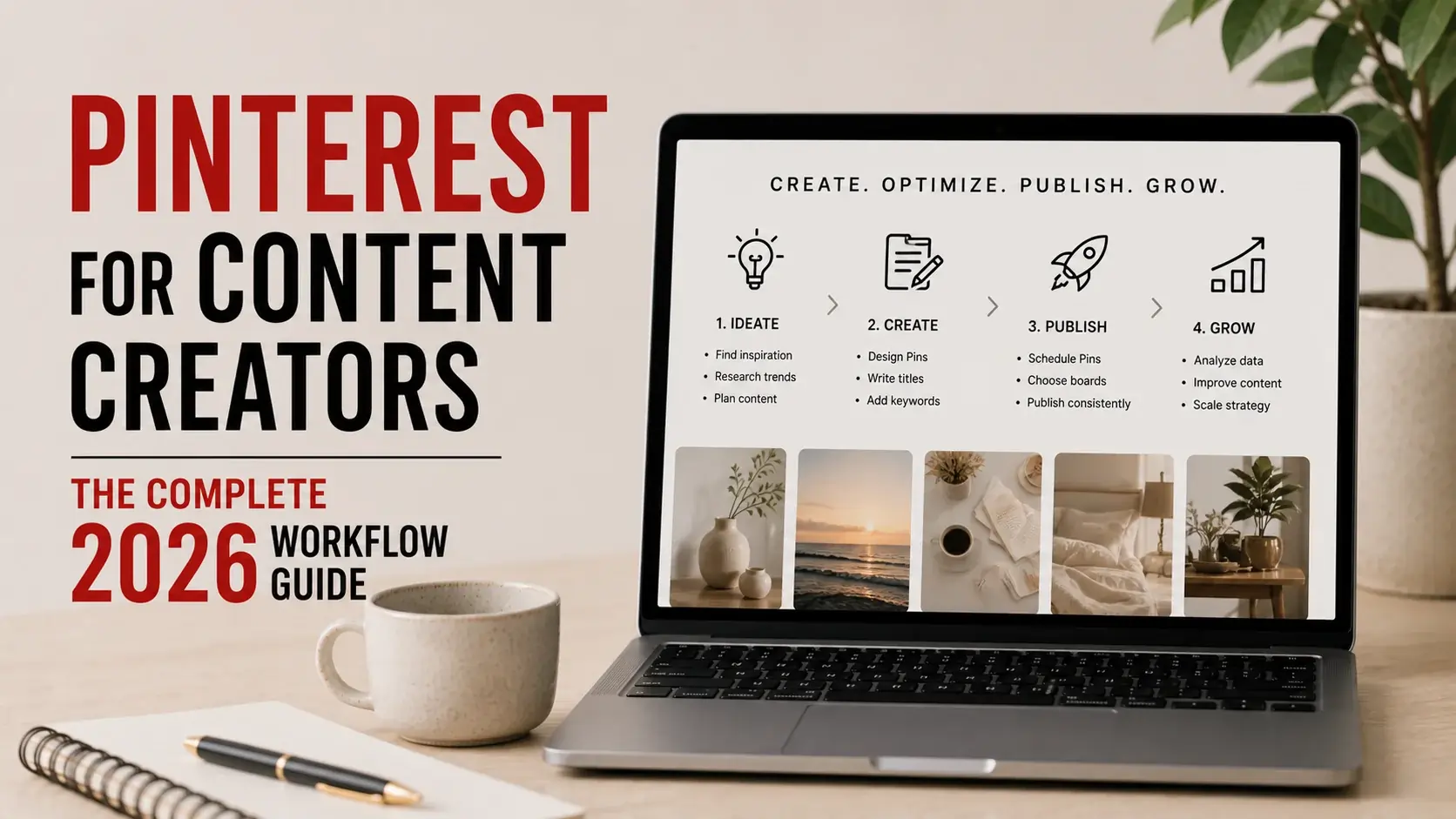
Most content creator advice about Pinterest treats it as either a primary platform (build your audience here!) or as a marginal channel (set it up and forget it). Both framings miss what Pinterest actually offers most creators: a research and distribution tool that complements your primary platform without being primary itself.
This guide walks through how working content creators actually integrate Pinterest into their workflows — for inspiration research, content distribution, audience analysis, and long-term traffic generation. The framing is honest about what Pinterest can and can’t do for creators in 2026.
What Pinterest is and isn’t for Creators
Let’s establish realistic expectations:
What Pinterest Does Well for Creators
Long-tail traffic generation. Pinterest pins remain searchable for years. A pin from 2022 still drives traffic in 2026 if it’s relevant. This compounds over time.
Visual content distribution. For creators producing visual content (recipes, design, fashion, home decor, beauty), Pinterest is a major discovery channel.
Demographic reach. Pinterest reaches an audience that’s somewhat distinct from Instagram and TikTok — slightly older, more female-skewed, more home/lifestyle focused.
Inspiration research. Pinterest’s search-driven nature makes it the best platform for gathering visual references during content planning.
Backlink generation. Pins that link to your content provide SEO value when they generate engagement and clicks.
What Pinterest Doesn’t Do Well for Creators
Personality-driven content. Pinterest isn’t a place where creators build personal brand the way they do on YouTube or TikTok. The platform rewards content discovery, not creator following.
Real-time engagement. Pinterest doesn’t have the conversational dynamic of Twitter/X or comment-heavy platforms. Engagement is mostly through saves, not comments.
Rapid audience growth. Building large Pinterest follower counts is slow and not the most valuable Pinterest metric anyway. Focus on topical authority instead.
Direct monetization. Unlike YouTube ads or Instagram brand deals, Pinterest doesn’t directly monetize creator content. You monetize off-platform (your blog, your products, your sponsors).
Video-first content. Despite Pinterest’s investment in video, the platform isn’t a video-first ecosystem like YouTube or TikTok. Static images still drive substantial engagement.
Pinterest works best as a complement to your primary platform — not as a substitute.
The Three Roles Pinterest Plays in Creator Workflows
Most successful creator-Pinterest integrations involve three distinct uses:
Role 1: Inspiration Research
When planning new content, Pinterest helps you understand what’s resonating in your category. Search your topic, study high-engagement pins, identify visual patterns. This informs your own content creation.
For deeper coverage of this approach, see our Pinterest competitive research guide.
Role 2: Content Distribution
Once you’ve created content, Pinterest distributes it to a search-driven audience. Pin your blog posts, your YouTube thumbnails, your Instagram content. Pinterest pulls Pinterest-native audience to your work.
Role 3: Long-Term Traffic Generation
Old pins continue generating traffic for years after publication. This compounding effect is Pinterest’s most underappreciated benefit — what you pin today generates ongoing returns indefinitely.
These three roles use Pinterest differently. Understanding which role you’re in at any given moment helps you use Pinterest more effectively.
Phase 1: Foundation Setup
Before building Pinterest workflows, set up the platform properly.
Convert to Business Account
Pinterest Business accounts (free) provide:
- Analytics about what your pins do
- Ability to run Pinterest ads
- Verified merchant features (for product creators)
- Rich pin support (better display for blog content)
Switch from personal to business in account settings. Takes 2 minutes.
Verify Your Website
If you have a blog or website, verify ownership in Pinterest’s settings. This:
- Adds your profile photo to all pins from your domain
- Shows your domain stats in Analytics
- Gives your domain better SEO signals from Pinterest
Configure Rich Pins
Rich Pins automatically pull additional metadata from your linked content. Three types matter for creators:
- Article Rich Pins — for blog posts (auto-includes title, description, author)
- Recipe Rich Pins — for food creators (includes ingredients, cooking time, ratings)
- Product Rich Pins — for sellers (includes prices, availability)
Setup requires technical implementation on your site (or installation of relevant plugins for WordPress and similar platforms).
Build Initial Boards
Create 8-15 boards covering your content topics. Names should be specific and searchable:
- “Easy Weeknight Dinners”
- “Modern Living Room Inspiration”
- “Beginner Sourdough Tips”
Generic names like “Recipes” or “Inspiration” don’t help discovery.
Phase 2: Content Distribution Workflow
Once foundation is set, develop a systematic distribution workflow.
Standard Distribution Process
For each piece of content you create:
Step 1: Identify which Pinterest boards fit the content (usually 2-4 boards)
Step 2: Create 3-5 different pin designs for the same content. Different headlines, different image treatments, different focal points. Pinterest’s algorithm tests these variants and surfaces what works.
Step 3: Pin the variants over time, not all at once. One per board per day spreads distribution.
Step 4: Update old pins seasonally if relevant. Refresh covers, update descriptions for current trends.
Step 5: Track what works in Pinterest Analytics. Successful pin styles get repeated; unsuccessful styles get retired.
Pin Design Best Practices
Effective pin designs share characteristics:
Vertical 2:3 aspect ratio. Pinterest’s algorithm favors vertical pins (1000×1500 pixels works well). Square or horizontal pins get measurably less distribution.
Readable headlines. Text overlay should be readable at thumbnail size. If you can’t read the headline on a mobile feed, neither can users.
Bold contrast. Pinterest’s feed has lots of competition. Pins that pop visually outperform pins that blend in.
Clear value proposition. What’s in this pin? Users should understand at a glance whether to click. Vague aesthetic pins underperform clear-purpose pins.
Brand consistency. Develop a recognizable visual style for your pins. Users who follow you should recognize new pins as yours.
Description Strategy
Pin descriptions matter for SEO and user understanding:
Lead with the value. First sentence should explain what the pin offers.
Include relevant keywords naturally. Pinterest is increasingly search-driven. Keywords matter, but stuffed keyword descriptions look spammy and underperform.
Add context. Why does this pin matter? What problem does it solve? What inspiration does it provide?
Length matters. 100-300 word descriptions tend to outperform very short or very long ones. Pinterest’s algorithm seems to reward thorough but not excessive descriptions. Our Pinterest algorithm guide covers more on what works currently.
Hashtags are minimal. Pinterest officially supports hashtags but they have limited impact. Don’t bother with extensive hashtag strategies.
Phase 3: Repurposing From Other Platforms
Most creators have content libraries from other platforms. Pinterest is excellent for repurposing.
Repurposing YouTube Content
For each video you publish:
- Extract 2-3 strong thumbnails or screen grabs
- Create vertical pin designs incorporating these
- Link pins to the YouTube video
- Create complementary text pins linking to relevant blog posts (if you have them)
Pinterest video pins also work — short clips (15-60 seconds) of YouTube content can be pinned natively. Use the main video downloader for technical workflow if you need to extract clips from your own YouTube content for Pinterest re-upload.
Repurposing Blog Content
For each blog post:
- Create 3-5 different pin designs
- Use different headlines emphasizing different angles
- Pin to multiple relevant boards over weeks
- Refresh covers seasonally
Repurposing Instagram Content
Convert square Instagram posts to vertical Pinterest pins. Static images repurpose easily; Instagram Reels can become Pinterest video pins (if it’s your own content).
Don’t just upload square Instagram content to Pinterest — the format mismatch reduces performance. Reformat for Pinterest’s vertical orientation.
Repurposing TikTok Content
Your own TikTok videos can become Pinterest video pins. Same workflow as YouTube extraction. Pinterest’s audience overlaps somewhat with TikTok’s but skews older and more lifestyle-focused.
Phase 4: Pinterest as Inspiration Source
The other direction: using Pinterest to inform your content creation.
Topic Research
Before creating new content, search Pinterest for your topic. Note:
- Which pins have the most saves
- What angles are getting attention
- What visual styles dominate
- What gaps exist in current coverage
This informs both what to create and how to position it.
Visual Reference Building
For visual content (recipes, fashion, design), Pinterest provides specific visual references. Save high-resolution versions of inspiring content using our image downloader for offline reference during your own creation process.
These references inform your own choices without becoming things you copy.
Trend Monitoring
Pinterest reflects what audiences search for. If “minimalist living rooms with statement art” is increasingly searched, that’s a signal for content opportunities.
Pinterest’s Trends tool provides explicit trend data. Use it to identify rising topics in your category before they peak.
Audience Understanding
Studying Pinterest content in your niche reveals what your audience actually looks for. This understanding informs everything else you create across all platforms.
Phase 5: Long-Term Traffic Optimization
Pinterest’s compounding nature means old pins still matter.
Pin Audit
Quarterly, review your Pinterest analytics. Identify:
- Pins driving substantial traffic
- Pins that surprised you positively
- Pins that flopped despite good content
- Patterns in what works
Refresh Strong Performers
Pins that drive traffic deserve maintenance:
- Update covers if styles change
- Update descriptions if your content has updated
- Re-pin to additional relevant boards if new opportunities emerge
Retire Weak Performers
Pins that consistently underperform after months don’t deserve effort. Remove them or repurpose with completely new approaches.
Build on Successes
When you identify a topic that performs well on Pinterest, create more content in that direction. Each successful pin establishes a pattern others can extend.
Common Creator Mistakes on Pinterest
Mistake 1: Pinterest as Primary Platform
Most creators can’t build primary careers on Pinterest. The platform doesn’t reward personality-driven content the way other platforms do. Use Pinterest as secondary, not primary.
Mistake 2: Inconsistent Pinning
Sporadic Pinterest activity underperforms consistent moderate activity. Even 5-10 pins weekly outperforms 50 pins monthly.
Mistake 3: Treating Pinterest Like Instagram
Pinterest’s algorithm and user behavior differ fundamentally from Instagram. What works on Instagram (engagement-driven, recent-post-favored) doesn’t translate. Pinterest rewards searchable, evergreen content.
Mistake 4: Ignoring Analytics
Pinterest provides actual data about what works. Many creators pin without checking analytics. The data should drive what you create more of.
Mistake 5: Not Repurposing Strategically
Many creators pin only once-and-done. The most successful Pinterest creators repurpose extensively — same content, multiple pin designs, distributed over time.
Mistake 6: Buying Followers or Engagement
Pinterest’s algorithm largely ignores follower counts. Buying followers wastes money. Engagement quality (real saves and clicks from real users) is what matters.
Mistake 7: Not Verifying Your Site
Unverified domains miss Pinterest’s enhanced features and SEO signals. Five minutes of verification setup pays back across years.
Pinterest Tools for Content Creators
Various tools support creator Pinterest workflows:
Native Pinterest Tools
- Pinterest Business Hub — analytics, ad management, verified merchant features
- Pinterest Trends — search trend data
- Pinterest Studio — content creation tools (improving over time)
Scheduling Tools
- Tailwind — purpose-built Pinterest scheduler with smart features (paid)
- Later — multi-platform scheduler with Pinterest support
- Buffer — scheduling across platforms including Pinterest
- Pinterest’s native scheduler — basic but free
Pin Design Tools
- Canva — most popular, extensive Pinterest templates
- Adobe Express — alternative with strong template library
- Figma — for advanced designers wanting more control
- PicMonkey — middle-ground option
Analytics Tools Beyond Pinterest
- Google Analytics — see Pinterest traffic to your site
- Tailwind Pinterest Analytics — more granular pin performance data
- Pin Inspector — research tool for analyzing specific pins
How Much Time to Invest
Realistic time investment for different creator types:
Casual Pinterest Investment (1-2 hours weekly)
Suitable for creators where Pinterest is genuinely secondary:
- Pin new content as you publish it
- Quick distribution to 2-3 boards per piece
- Monthly analytics review
- Don’t expect dramatic Pinterest growth
Moderate Pinterest Investment (3-5 hours weekly)
For creators where Pinterest is meaningful but not primary:
- Systematic pin creation for new content (3-5 designs per piece)
- Repurposing of older content
- Active board management
- Bi-weekly analytics review and strategy adjustment
- Realistic growth expectations
Heavy Pinterest Investment (10+ hours weekly)
For creators where Pinterest is a primary distribution channel:
- Extensive pin design experimentation
- Active engagement with Pinterest community
- Pin scheduling tools to maintain consistency
- Weekly analytics deep-dives
- Substantial growth potential, but requires sustained effort
The right level depends on your overall creator strategy and how much Pinterest actually fits your audience.
Pinterest Monetization Reality
How Pinterest actually generates revenue for creators:
Direct Pinterest Monetization
Limited and often disappointing:
- Pinterest’s creator funds and rewards are smaller than equivalent on other platforms
- No direct ad-revenue sharing for organic content
- Creator partnerships exist but at smaller scale than other platforms
Indirect Pinterest Monetization
Where the actual money is:
- Traffic to your monetized blog
- Sales of your products or services
- Affiliate marketing through Pinterest links
- Brand deal opportunities through Pinterest reach
- Email list signups from Pinterest traffic
The pattern: don’t try to monetize Pinterest directly. Use Pinterest to drive monetization elsewhere.
Frequently Asked Questions
Should I focus on Pinterest if I’m just starting as a creator?
Generally no. Build your primary platform first (whichever fits your content). Add Pinterest as secondary investment once your primary platform has momentum.
How long until Pinterest starts driving real traffic?
For most creators: 3-6 months of consistent activity before meaningful traffic. Pinterest is a slow-build platform compared to engagement-driven platforms.
Should I use a Pinterest business account or personal?
Business account, almost always. Free, more features, no downsides for most creators.
Is Pinterest worth it for newsletters or text-based content?
Less direct fit, but possible. Pinterest can drive newsletter signups by linking pins to landing pages. The visual format is harder to leverage for text-focused work, but creative approaches exist.
Should I create separate accounts for different content categories?
Generally one account per creator works. Multiple Pinterest accounts dilute efforts. Use boards to separate categories within one account.
What if my content category doesn’t seem to fit Pinterest?
Some categories genuinely don’t fit (technical software, B2B services, news commentary). Test with 20-30 pins over 2-3 months. If traffic doesn’t materialize, accept Pinterest isn’t your channel.
How do I handle when my Pinterest growth stalls?
Common after initial growth period. Diagnose: are you pinning consistently? Is content quality maintained? Have you stopped trying new approaches? Stalls usually indicate process issues, not platform issues.
Conclusion
Pinterest serves content creators best as a secondary platform — providing inspiration research, distribution channel, and long-term traffic generation that complements your primary creator presence. The platform isn’t going to make you a Pinterest-native creator the way YouTube makes YouTube creators or TikTok makes TikTok creators. But it adds real value when integrated into a sensible creator workflow.
The investment is moderate; returns compound over time. Set up properly, distribute systematically, and audit periodically. Pinterest doesn’t reward the panic-and-hustle pattern that drives engagement-platform success — it rewards consistency and quality.
For Pinterest content creation tools that handle the technical extraction and saving needs your workflow includes, our video downloader and image downloader handle the practical parts. The strategic creator decisions are yours.