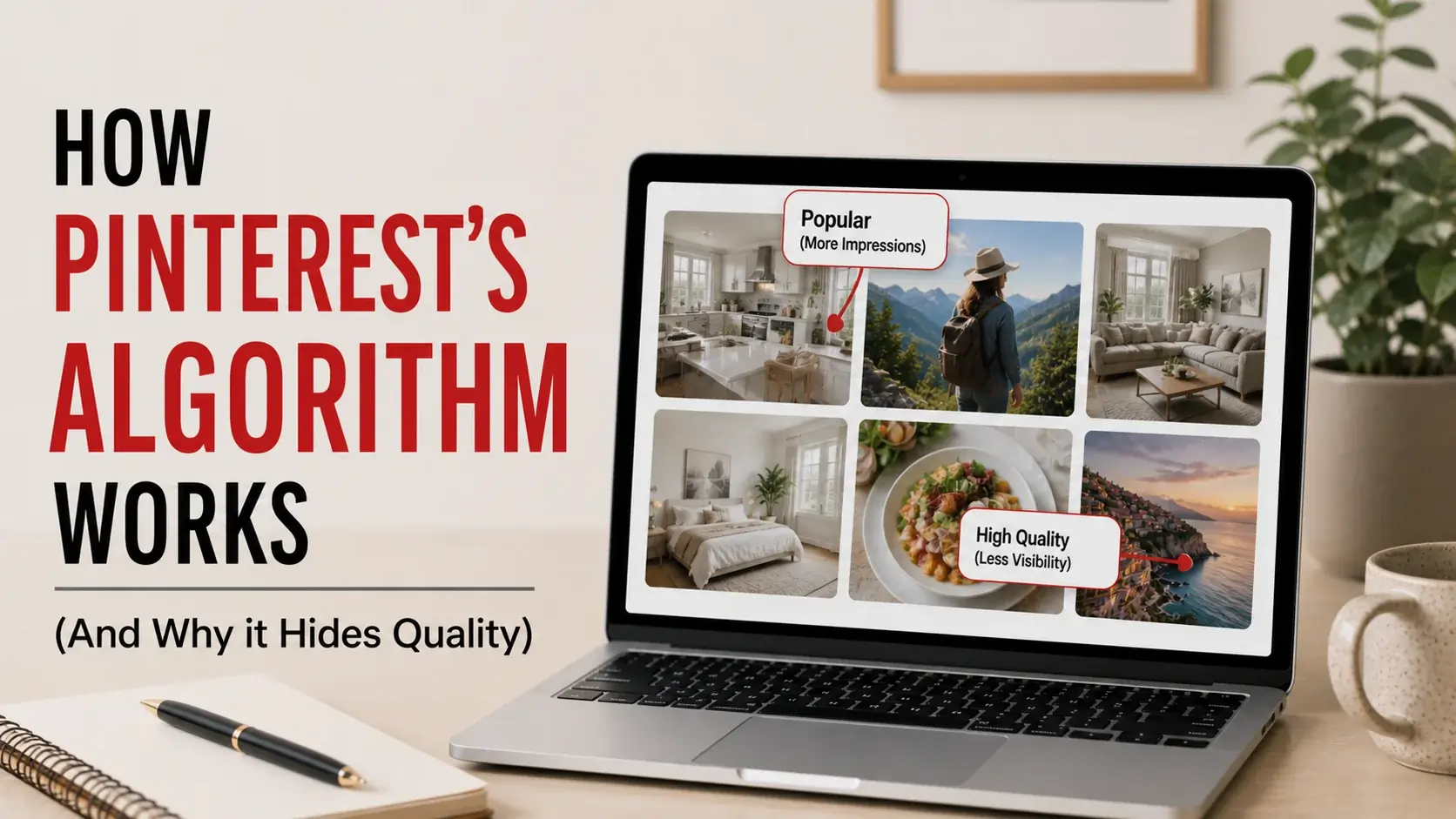
Most explanations of Pinterest’s algorithm read like marketing copy from Pinterest itself. They describe the platform as a “visual discovery engine” that “surfaces inspiration.” That’s the polite version. The honest version: Pinterest is a search and recommendation system optimized for engagement metrics, and like every algorithm built for engagement, it sometimes promotes mediocre content over genuinely excellent content.
This article explains how the algorithm actually works in 2026, why high-quality pins sometimes flop while lower-quality ones spread, and what this means whether you’re a creator hoping to be seen or a user wondering why you keep seeing the same kinds of content.
The Algorithm Has Multiple Jobs
Pinterest’s algorithm isn’t one system. It’s at least four interconnected systems doing different jobs:
Search. When you type “modern living room,” the algorithm decides which pins appear in results. This works similarly to a search engine — it matches query terms to pin metadata, image content, and historical performance.
Home feed. When you open Pinterest without searching, the algorithm decides what to show you. This is recommendation-based, drawing from your past behavior and similar users.
Related pins. When you click into a specific pin, the algorithm decides which “more like this” pins to surface. This is content-similarity-based.
Notifications. When the algorithm decides to send you a “you might like this” push notification, it’s choosing pins to interrupt your day with. This is engagement-prediction-based.
Each of these uses overlapping but distinct ranking signals. A pin can do well in search but flop in home feed, or vice versa. Understanding which system you’re optimizing for matters.
Signals That Drive the Algorithm
Through Pinterest’s official documentation, observable behavior, and patterns from creators, we can map the major ranking signals:
Engagement Signals (Heavy Weight)
Saves. When users save your pin to their boards, that’s the strongest positive signal. Pinterest interprets saves as “this content is valuable enough to keep.” A pin that gets 100 saves on its first 1,000 impressions performs better than a pin with 100 likes on the same impressions.
Click-throughs. When users click your pin to visit the source URL, that signals destination quality. Pinterest cares because it suggests the pin delivers what it promises.
Close-ups. When users tap to see the pin in detail (rather than just scrolling past), that’s a softer engagement signal — they were interested enough to pause.
Hides. When users hide your pin or report it, that’s strong negative signal. A few hides can substantially suppress reach.
Recency Signals (Moderate Weight)
Pinterest weights recent pins more heavily than old ones, but less aggressively than Instagram or TikTok. A pin from last week gets some boost; a pin from yesterday gets more. But unlike feed-based platforms, Pinterest content stays discoverable for years — the recency boost is a multiplier, not a sole factor.
Pin Quality Signals (Moderate Weight)
Image quality. Higher-resolution, well-composed images perform better. Pinterest’s algorithm appears to penalize blurry, oversaturated, or visually chaotic images. Our Pinterest image resolution guide covers what dimensions actually matter.
Title and description matching. Pins with descriptions that match search queries perform better in those queries. Stuffed keyword descriptions perform worse than natural language descriptions.
Aspect ratio. Vertical pins (2:3 ratio, e.g., 1000×1500) get more visibility than horizontal or square pins. Pinterest’s UI is built around vertical content.
Domain Signals (Light Weight)
Pinterest tracks the destination domain across all your pins. If your domain consistently delivers value (low bounce rate, time on site), pins linking to that domain get a boost. If your domain underperforms (clicks that immediately bounce back), all your pins are slightly suppressed.
Account Signals (Light Weight)
Older Pinterest accounts with consistent positive engagement perform slightly better than brand new accounts. This isn’t a “follower count matters” effect — it’s a “trustworthy account” effect. New accounts can absolutely succeed; they just have less benefit-of-the-doubt.
User Affinity Signals (Heavy Weight, but for Personal Feeds)
For personal recommendations (home feed, related pins), the algorithm heavily weights what each individual user has engaged with before. Two users seeing the same pin in their home feed are usually seeing it because they have different histories that both led the algorithm to predict they’d engage.
Why the Algorithm Hides Quality
Now the honest part: Pinterest’s algorithm doesn’t optimize for quality. It optimizes for engagement metrics. These often correlate with quality but aren’t the same thing.
Engagement Bias Toward Familiarity
Algorithms learn from past engagement. Past engagement reflects what’s already popular. So algorithms tend to amplify what’s already popular, regardless of whether better alternatives exist.
A genuinely innovative pin showing an unfamiliar aesthetic might underperform a derivative pin showing a familiar aesthetic, even if the innovative one is “better” by any objective standard. The algorithm doesn’t know “innovative” — it knows “predicted engagement,” which is biased toward familiarity.
Engagement Bias Toward Emotional Reaction
Pins that trigger immediate emotional response (delight, surprise, recognition) get saved more than pins requiring contemplation. A loud, attention-grabbing image often outperforms a subtle, sophisticated one — even if the subtle one is more genuinely interesting.
Engagement Bias Toward Trends
When a trend takes off, algorithms detect the engagement pattern and amplify all content matching the trend. This creates feedback loops where trending content gets more trending. New, non-trend content struggles for visibility regardless of quality.
This is why your Pinterest feed sometimes feels like everyone is doing the same thing. They are. Because the algorithm is rewarding sameness with the trend.
Engagement Bias Toward Specific Aesthetics
Some aesthetics are inherently more “Pinterest-friendly” than others. Bright, clean, photographically-perfect content performs better than messy, real-world content. A staged perfect kitchen outperforms a real kitchen by any engagement metric.
This bias means Pinterest’s recommendations skew toward an aspirational aesthetic — not because Pinterest decided “we want aspirational content” but because users engage with aspirational content more, so the algorithm learned to surface it.
How This Affects What You See
For typical Pinterest users:
Your home feed becomes increasingly homogeneous. As the algorithm learns what you engage with, it surfaces more of the same. Initial diversity narrows over time. If you don’t deliberately seek out new aesthetic territory, your Pinterest experience becomes increasingly predictable.
Discovery requires active search. Searching for new terms surfaces content the home feed wouldn’t have shown you. Passive scrolling reinforces what you already engage with; active searching expands your exposure.
Quality content gets buried. Genuinely excellent niche content with limited engagement signal stays buried. The most-saved content isn’t necessarily the most-deserving; it’s the most-saveable.
Trends override timeless content. Whatever’s trending crowds out evergreen content of comparable quality. The “best Christmas decorations” from 2018 might be objectively better than the trending one in 2024, but the trending one wins distribution.
How to Work Better With the Algorithm (As a User)
If you want a richer Pinterest experience:
Search Frequently, Don’t Just Scroll
Active searches expose you to content the home feed won’t surface. Search for niches, aesthetics, and topics you wouldn’t naturally encounter. This expands your algorithmic profile.
Use Pinterest’s Search Filters
Pinterest’s search includes filters for content type, color, board, etc. Use them to find specific things rather than always relying on top results.
Periodically Reset Your Feed
If your feed feels stale, save and follow content in deliberately new directions. This shifts the algorithm’s understanding of your preferences. Within a few days, your home feed reflects the new direction.
Hide Aggressively
Use the “hide pin” feature on content you’re not interested in. This trains the algorithm faster than just scrolling past.
Save with Intent
Pinterest tracks what you save very carefully. If you save reflexively (saving anything pretty), you train the algorithm with noisy data. If you save intentionally (only what you’ll actually reference), the algorithm gets cleaner signal and serves better recommendations.
How to Work Better With the Algorithm (As a Creator)
If you’re trying to build presence:
Optimize for Saves, Not Likes
Pinterest’s “like” equivalent (the heart) carries little weight. Saves are what matter. Design pins for saveability — content people want to keep, not just appreciate.
Use Vertical 2:3 Format
The algorithm favors vertical pins. Square and horizontal pins perform measurably worse. Standard recommended size: 1000×1500 pixels (vertical).
Write Natural Descriptions With Keywords
Stuffed keyword descriptions look spammy and underperform. Natural language descriptions that incorporate relevant keywords perform better. Pinterest is good at understanding context, not just matching words.
Pin Consistently Over Time
Inconsistent pinning underperforms consistent pinning. Even modest output (5-10 pins per week) outperforms large bursts of activity followed by silence. The algorithm rewards predictability.
Build Topical Authority
Boards focused on specific topics outperform general boards. The algorithm learns “this account is the place for X” and surfaces their X content more. Narrow specialization outperforms broad coverage.
Ride Trends Strategically
Trending topics get algorithm boosts. Creating trend-relevant content quickly captures distribution. But chase trends only when they fit your actual specialty — generic trend-chasing doesn’t compound.
For deeper analysis on how marketers use Pinterest competitively, see our guide on Pinterest competitive research.
Algorithm Updates and Changes
Pinterest periodically updates the algorithm. Notable changes affect what works:
Increased Emphasis on Fresh Content (2022-2024)
Pinterest pushed toward emphasizing new pins more heavily. Old pins that had performed well saw distribution decline. Creators had to keep producing new content rather than relying on a back catalog.
Idea Pin Push (2021-2023)
Pinterest tried to compete with TikTok by pushing Idea Pins (multi-slide content). The algorithm gave Idea Pins extra distribution. By 2024, this was scaled back as Pinterest acknowledged users preferred standard pins.
Search vs. Home Feed Rebalancing (Ongoing)
Pinterest periodically rebalances how much weight goes to search-focused users vs. discovery-focused users. These shifts affect what kinds of pins perform well at any given time.
Quality Signal Improvements (Ongoing)
Pinterest has gradually improved how it identifies low-quality content (broken links, slow-loading destinations, deceptive descriptions). Pins that previously gamed the system now suffer.
Common Algorithm Misconceptions
“Posting at Specific Times Drives Performance”
Marginal effect at best. Pinterest content has long lifespans (months to years). The hour you posted has minor impact compared to the long-term performance of the pin itself.
“Hashtags Help Discovery”
Pinterest officially supports hashtags but they have minimal impact on distribution. Description text matters far more than hashtag tagging.
“Buying Followers Helps Pin Performance”
Pinterest’s algorithm largely ignores follower counts. Engagement quality matters; raw follower numbers don’t. Bought followers actively hurt performance because they don’t engage.
“Group Boards Massively Boost Distribution”
Less than they used to. Pinterest deprioritized group board distribution around 2019-2020. Group boards still offer some collaboration value but aren’t the distribution hack they once were.
“Pinterest Penalizes Direct Pinning of Your Own Content”
There’s no penalty for pinning your own content. Some accounts mix curation and self-promotion; some are pure self-promotion. Both can work if the content is good.
What Pinterest Probably Doesn’t Tell You
Some patterns suggest things Pinterest’s algorithm does that the company doesn’t formally announce:
Geographic targeting. Your pins probably perform differently in different regions. The algorithm seems to weight geographic relevance subtly.
Temporal smoothing. Spikes of engagement get smoothed out. Pinterest seems to dampen viral spikes to prevent feed homogenization.
Quality clustering. Similar accounts get grouped together algorithmically. Once an account is identified as low-quality, it’s harder to escape that classification.
A/B testing. Pinterest constantly tests algorithm changes on subsets of users. Two users might experience different versions of “the algorithm” simultaneously. Your perceived experience isn’t universal.
Frequently Asked Questions
Why do my pins do well sometimes and poorly other times?
Pinterest’s algorithm has variance. The same pin posted in different conditions (time, recent platform changes, what’s trending) performs differently. Accept variance rather than chasing every fluctuation.
How long does it take a new pin to reach its full potential?
Most pins peak within 6-12 weeks of pinning, then decline gradually. Some pins develop “evergreen” status and continue performing for years. There’s no way to predict which pins will become evergreen.
Should I delete underperforming pins?
Generally no. Removing pins removes any positive signal they were providing. Underperforming pins don’t hurt your account; they just don’t help much.
Can I appeal if my account is suppressed?
Pinterest provides limited support for distribution issues. Their official guidance is essentially “make better content.” Accounts suspected of automated behavior can appeal through Pinterest’s help center, but reach issues without policy violations are usually unappealable.
Do business accounts perform differently than personal accounts?
Slightly. Business accounts get analytics and ad capabilities. They don’t get distribution preferences. The biggest difference is what you can measure, not what reaches users.
Is the algorithm getting better or worse?
Depends what “better” means. From Pinterest’s perspective (engagement), it’s getting better. From users’ perspective (diverse, high-quality content), opinions vary. From creators’ perspective (predictable distribution), it’s gotten harder over time.
Conclusion
Pinterest’s algorithm isn’t evil, but it isn’t aligned with serving you the best content either. It’s aligned with maximizing engagement, which usually correlates with quality but sometimes diverges.
Understanding how the algorithm actually works helps you both consume Pinterest more deliberately and create for it more effectively. The algorithm isn’t trying to hurt you — but it’s also not trying to surface the truly best content. It’s trying to predict what you’ll engage with, and that prediction has biases.
For finding and saving the best Pinterest content despite algorithmic biases, our video downloader and image downloader help you preserve content you actually value, regardless of how the algorithm treats it.