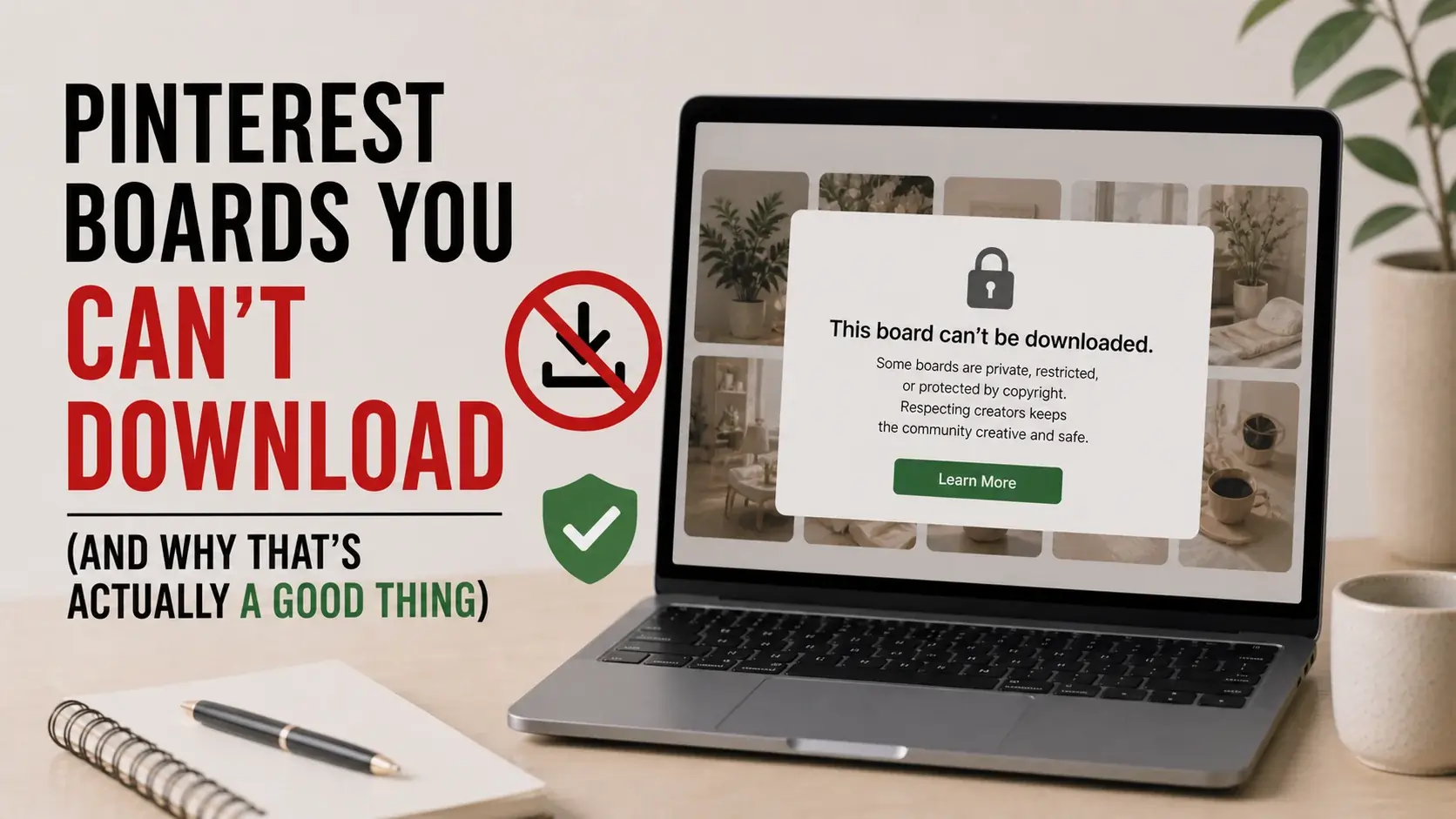
Some Pinterest content is genuinely undownloadable. Private boards. Secret boards. Pins on accounts that have been deleted. Pins from blocked or restricted accounts. No third-party tool can access these — and the search results for “how to download private Pinterest boards” are filled with scams promising what nobody can actually deliver.
This article explains exactly why these restrictions exist, why they’re a feature rather than a bug, and what your legitimate options are when you need access to private content. The honest answer: if you can’t access something on Pinterest, there’s a reason. Working around that reason creates problems you don’t want.
What “Private” Means on Pinterest
Pinterest has several privacy levels for boards and pins:
Public Boards
Visible to anyone, indexed by search engines, fully accessible via Pinterest’s API. These are what most Pinterest content is. Standard third-party tools can download pins from public boards because the underlying URLs are publicly accessible.
Private Boards (Only-You)
Visible only to the board owner. Not searchable. Not shared with collaborators. Not indexed by search engines. Pins on these boards have the same internal URLs as pins on public boards, but accessing them requires authentication as the board owner.
Secret Boards
Same as private boards, with slightly different UI labels. The terminology has evolved over Pinterest’s history — what was once called “Secret Boards” got renamed to “Private Boards.” Functionally identical.
Group Boards (Shared)
Visible to specific people the owner has invited. Multiple users can pin to these boards. Not searchable publicly. Access requires invitation by the board owner.
Boards Hidden From Profile
Public boards you’ve chosen not to display on your public profile. Other users can still find them via direct link if they know it; they just don’t appear when browsing your profile.
The downloadability question depends on access level. Anyone-can-see content can be downloaded by anyone who has the URL. Restricted-access content can’t be downloaded by people without access.
Why Public Pinterest Content Is Downloadable
To understand why private content isn’t, it helps to understand why public content is.
How Public Pinterest URLs Work
Every Pinterest pin has a unique URL like: https://www.pinterest.com/pin/123456789012345678/
When you visit this URL in a browser:
- Your browser sends a request to Pinterest’s servers
- Pinterest sends back the pin’s data
- Your browser displays it
For public pins, this works without any authentication. Pinterest’s servers don’t ask “are you allowed to see this?” because the answer is yes — it’s public.
Third-party downloader tools work the same way. They request the public URL, parse the response, and extract the underlying media file. There’s no security circumvention happening — the content was already publicly accessible.
Why Private Content Doesn’t Work This Way
For private boards, Pinterest’s servers do ask “are you allowed to see this?” The answer comes from authentication — the board owner is logged in as themselves; everyone else gets blocked.
A third-party tool requesting a private board URL gets the same “you don’t have access” response any other unauthorized user would. The tool can’t bypass this because the security check happens on Pinterest’s servers, not in the user interface.
This is by design. Pinterest’s user privacy depends on the access controls actually working.
Why “Private Board Downloaders” Are Always Scams
Search results are full of tools promising to download private Pinterest boards. They’re all scams, and here’s how each variation works:
Variation 1: Login Phishing
The tool says “log in with your Pinterest credentials and we’ll download any private board.” When you log in, the tool captures your credentials. They use your account to access whatever private content they want, then sell or abuse your credentials.
This is straightforward identity theft. Don’t enter Pinterest credentials anywhere except pinterest.com.
Variation 2: Pay Then Fail
The tool charges you upfront for “premium access to private boards.” After you pay, it returns errors or low-quality content from public boards. There was never any private board access — just a payment scam.
Variation 3: Malware Distribution
The tool requires installing software. The software is malware. Sometimes it does technically attempt to access Pinterest content; mostly it just installs cryptocurrency miners, keyloggers, or other harmful software on your computer.
Variation 4: Fake “Hacker” Tools
The tool promises to use exploits to access private content. These claims are false. Pinterest’s security isn’t perfect, but the specific kind of vulnerability that would let third parties bulk-download private boards doesn’t exist. If it did, it would be national security news, not a small tool advertising on social media.
The pattern across all variations: legitimate technical means don’t exist for accessing private boards without authorization. Anyone claiming otherwise is selling you something else (your data, your money, your computer security).
Why This Restriction Is Actually Good
It’s worth understanding why Pinterest’s privacy restrictions exist and why they should exist:
Personal Privacy Matters
People use Pinterest for genuinely personal things. Wedding planning before announcing the engagement. Body-image-related boards they don’t want public. Gift research before holidays. Health information research. The privacy restrictions allow Pinterest to be useful for personal purposes that wouldn’t be appropriate to share publicly.
If private boards could be accessed by third-party tools, this entire use case would break. Users would have to either avoid Pinterest for personal topics or risk privacy invasion.
Stalking Prevention
Pinterest’s user base skews substantially female. The platform takes this seriously in privacy design. Private boards prevent stalkers, abusive ex-partners, and other bad actors from monitoring victims’ interests, plans, and activities through Pinterest.
This is real safety, not theoretical. Survivors of stalking and abuse benefit from these protections.
Professional Confidentiality
Many professionals use Pinterest for client work — interior designers, wedding planners, marketing professionals. Private boards let them maintain client confidentiality. If clients knew their planning could be accessed by anyone with downloader tools, they’d object (rightly).
Creative Projects in Development
Designers, writers, and other creators use Pinterest for early-stage research. Making this research private until projects are ready protects creative work in development. Public-by-default would harm creative processes.
Organizational Compartmentalization
Many users keep work-related boards separate from personal boards, with privacy controls reflecting which is which. Eroding privacy controls would force users to either expose mixing of personal and professional content or stop using Pinterest for one of those purposes.
These benefits exist because the privacy restrictions work. Tools that bypassed them — if they existed — would undermine the value Pinterest provides.
Legitimate Alternatives When You Need Access
If you genuinely need access to private Pinterest content, several legitimate paths exist:
Path 1: Ask the Board Owner
The simplest path: contact the board owner and ask. Pinterest has direct messaging. Just send a polite message:
“Hi! I’d love to see your [board name] for [specific reason]. Would you be willing to make it public temporarily, or invite me as a collaborator?”
Most board owners are surprisingly willing if asked respectfully. They may say yes, propose specific limited sharing, or explain why they prefer to keep the board private. All three responses give you information.
Path 2: Request Collaboration
Pinterest’s group board feature lets owners invite specific collaborators to private boards. If you have an ongoing professional or creative relationship with the board owner, request collaborator access for relevant boards.
Path 3: Have the Owner Make Specific Pins Public
Instead of opening the entire board, the owner can make specific pins public temporarily. They keep the board private but make individual interesting pins accessible. After your reference period, they can revert.
Path 4: Get the Information Through Other Means
If you wanted Pinterest content for inspiration or reference, similar content might be available publicly elsewhere. Searching directly for whatever you wanted often surfaces public alternatives.
Our guide on where Pinterest content actually comes from explains how Pinterest aggregates content from across the web. The original sources are often publicly accessible even when specific Pinterest boards aren’t.
Path 5: Use Public Pinterest Search
If you don’t have access to a specific user’s private board, search public Pinterest for similar topics. The collective public content usually covers what you needed without violating anyone’s privacy.
Path 6: Hire the Board Owner
If you’re a professional needing reference (interior designers, photographers, wedding planners), and someone has built genuinely useful private research, consider hiring them or buying their resources. Their private boards represent professional work; respecting that has economic implications.
When You’re the Board Owner
If you’re using Pinterest privately and want strong privacy:
Use Private Boards Deliberately
Don’t have personal content on public boards by accident. Periodically audit your boards’ privacy settings. Pinterest’s interface makes accidental publicity easy if you’re not careful.
Use Multiple Accounts If Needed
Some users maintain separate Pinterest accounts for different life areas — a public account for professional work, a private account for personal interests. The boundary is enforced by the account separation rather than just board-level privacy.
Be Aware of What’s Searchable
Even private boards have some information visible. Other users can sometimes see board names you’ve created (in some Pinterest features). Be aware that “private” isn’t completely invisible.
Understand Pinterest’s Data Practices
Pinterest itself can see your private content. Your privacy is from other users, not from Pinterest. Their privacy policy describes how they use your data.
If you’re particularly privacy-conscious, consider what you’re willing to share with Pinterest as a company even when boards are user-private.
Periodic Cleanup
Old private boards may no longer reflect your current interests or comfort with their content. Periodic cleanup of private boards keeps your personal Pinterest experience aligned with current preferences.
What About Group Boards You Used to Access?
A specific scenario: you used to be a collaborator on a group board, but were removed. Can you still access content?
Once you’re removed from a group board:
- You can no longer see new pins on that board
- Pins you specifically saved while you had access remain in your account
- The original creators’ pins may or may not be on other public boards
- You don’t have rights to redistribute content from a board you no longer access
If you need ongoing access, work to be reinvited to the board rather than seeking technical workarounds.
The Broader Privacy Question
Beyond Pinterest specifically, this issue connects to broader internet privacy:
Privacy by Default vs. Privacy by Choice
Some platforms make content public by default with private as opt-in. Others make content private by default with public as opt-in. Pinterest is in the middle — public is default for boards, but users can easily make boards private.
The distinction matters because most users don’t actively configure privacy settings. The default determines what’s typically accessible.
The Aggregation Problem
Even individually-public information can become privacy-violating when aggregated. Knowing one person’s Pinterest interests is often fine; bulk-collecting all of someone’s Pinterest activity to build a comprehensive profile crosses into privacy invasion.
This is why Pinterest’s terms of service prohibit automated bulk scraping even of public content. The rule isn’t about whether you can see individual public pins — it’s about whether systematic collection serves legitimate purposes.
Consent Frameworks
Modern privacy frameworks (like GDPR in Europe) emphasize informed consent. Users who pin content publicly consented to public visibility — but probably didn’t consent to bulk extraction by third-party services. The legal frameworks are catching up to these distinctions.
For users, the practical implication: respect the privacy levels content creators have chosen. If something is private, it’s private for reasons. If something is public, it’s accessible — but mass extraction is a different matter than individual access.
Frequently Asked Questions
Can law enforcement access private Pinterest boards?
With proper legal process (warrants, subpoenas), yes. Pinterest cooperates with legitimate law enforcement requests. This isn’t the same as “anyone can access private content with the right tool” — it requires actual legal authority.
What if I forgot the password to my own private boards?
Pinterest’s account recovery should help. Reset your password through the standard recovery flow. Once back in your account, your private boards are accessible to you.
Can Pinterest staff see my private boards?
Pinterest employees with appropriate access can see private content for legitimate platform purposes (content moderation, customer support, technical issues). This isn’t personal browsing — it’s official platform operation. Their privacy policy describes this access.
What about content that was private but creator made it public?
If a creator changed a board from private to public, content there is now publicly accessible. You can save it normally. The creator made the choice to publish.
Can I download my own private boards?
Yes — through Pinterest’s account-level data export feature. Pinterest provides users with downloads of their own data. This includes your private boards because they’re yours.
What if I’m a collaborator on a private board, can I download those pins?
Pins on collaborative boards have the same accessibility as public pins for collaborators. While you have access, you can interact with content normally. Once removed, you lose ongoing access.
Is it ever ethical to try accessing someone’s private Pinterest content?
Generally no. The exception might be: emergency situations where missing person investigations, child safety, or imminent harm prevention is involved — and even then, the legitimate path is through Pinterest’s cooperation with authorities, not third-party tools.
Conclusion
Pinterest’s privacy restrictions are intentional, valuable, and uncircumventable through any legitimate technical means. Tools claiming otherwise are scams, malware distributors, or credential phishers. Your privacy on Pinterest depends on these restrictions working — and they work because they’re actually robust, not just visible defaults that can be bypassed.
When you need access to private content, the legitimate paths are: ask the board owner, request collaboration, find similar content publicly, or accept that you don’t get access.
For the public Pinterest content that legitimate downloaders can save, our video downloader and image downloader work reliably without requiring any access you shouldn’t have. The downloads are of public content using public URLs — exactly the access pattern Pinterest’s design intends.
The boundaries here exist for everyone’s benefit. Respecting them is what keeps the platform useful as both a public discovery space and a private personal tool.